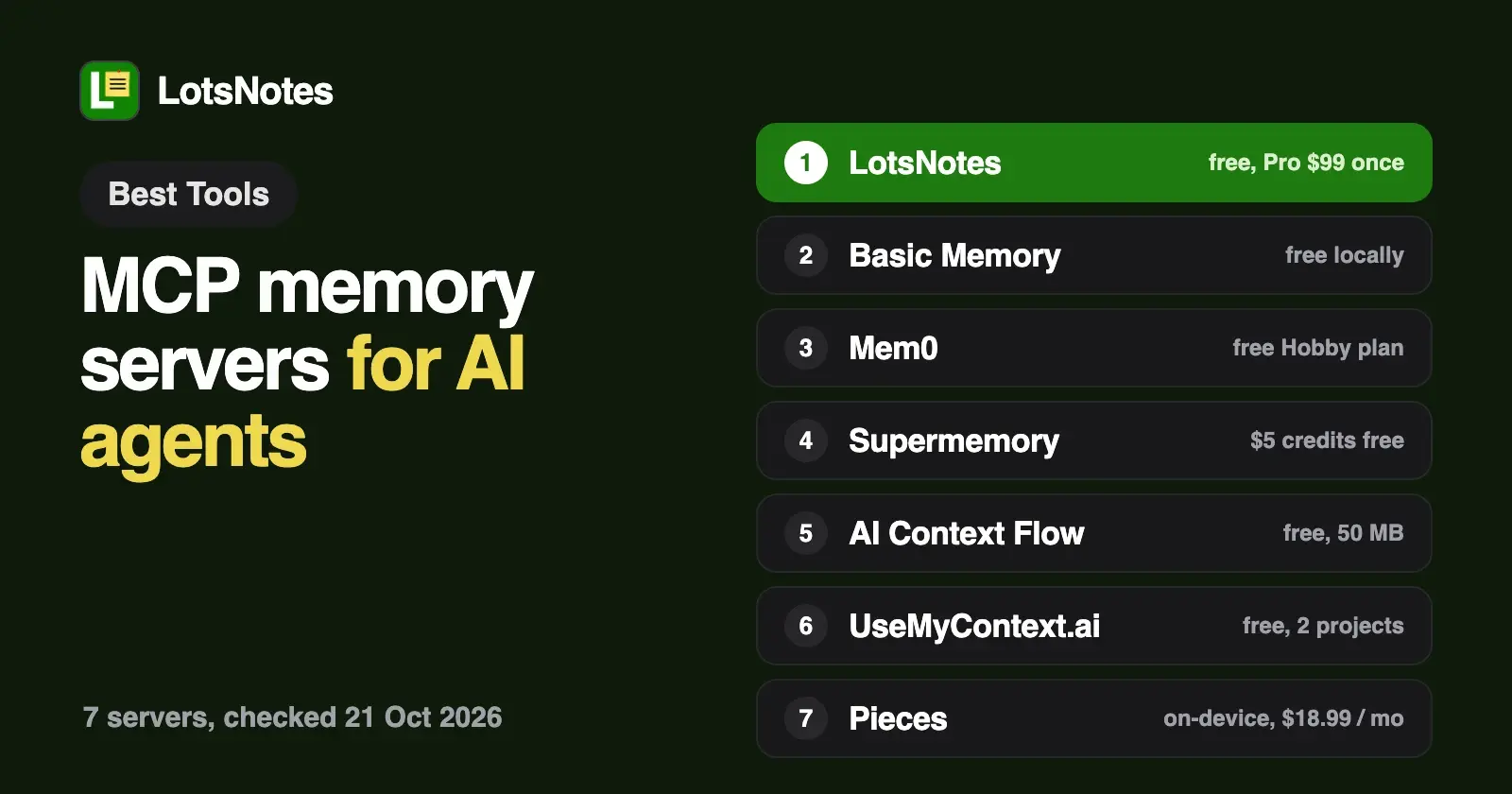
Seven MCP memory servers are worth connecting to your AI agent in 2026: LotsNotes, Basic Memory, Mem0, Supermemory, AI Context Flow, UseMyContext.ai and Pieces. The real difference is what they store: notes you write and can edit, facts an engine pulls out of your chats, a personal profile, or a record of everything you did on your computer.
I build LotsNotes, so it's first on this list, and I'll say plainly where the others do a job it doesn't. Every fact about the other six comes from their own pricing pages, MCP pages and docs, checked on 21 October 2026, with links at the end.
MCP memory servers at a glance
| Tool | What it stores | Local or hosted | Sign-in | Free plan | Paid from |
|---|---|---|---|---|---|
| LotsNotes | Notes and checklists you and your agents write, in workspaces and folders | Hosted | OAuth (REST uses an API key) | Yes: 1 workspace, 3 folders, unlimited notes, MCP and REST, one person | Pro $99 once |
| Basic Memory | Markdown files with a knowledge graph and semantic search on top | Local (open source) or hosted cloud | None locally; OAuth for the cloud | Free to run locally; cloud starts with a 7-day trial | Team $15 per seat a month |
| Mem0 | Memories extracted from text and conversations, scoped per user, agent or app | Hosted | OAuth in the browser, or an API key as a bearer token | Hobby: 10,000 add and 1,000 retrieval requests a month, 1 project | Starter $19 a month |
| Supermemory | Documents and memories extracted into a graph, kept in spaces | Hosted; self-hosting on Scale and Enterprise | OAuth, then you choose which spaces the client can use | $5 of usage credits a month | Pro $19 a month with $20 of credits |
| AI Context Flow | Context you save into memory spaces, with version history | Hosted, plus a Chrome extension | OAuth, or a personal access token | Yes: 50 MB, MCP included | Plus $99 a year ($10 a month) |
| UseMyContext.ai | Your profile, files and the facts you approve, per project | Hosted | Account sign-in; listed in the Claude directory and ChatGPT plugins | Yes: 2 projects, 20 MB | Premium $20 a month |
| Pieces | An on-device timeline of your work: apps, websites, notes, meetings | Local (PiecesOS on your machine) | Pieces account | No; 7-day trial with a card | Pro $18.99 per user a month |
Prices are in US dollars, checked on 21 October 2026. Monthly billing unless the table says yearly.
1. LotsNotes: business context you write once, read by every agent
LotsNotes isn't automatic memory. It holds the things you decide every agent should know: what you sell, who it's for, how you write, the rules and the decisions. You write them on lotsnotes.com, or ask Claude, ChatGPT, Codex or Cursor to write them, and every connected agent reads the same current notes.
- What it stores. Notes and checklists in workspaces and folders. A note titled AGENTS.md holds instructions agents read first; at workspace level it reaches every folder.
- What your agent can do. Find notes by title, read only what a task needs, create and update notes, move them between folders, archive and restore them, list and restore versions, and invite teammates.
- Private notes. Any note can be private. It stays on lotsnotes.com and never comes back through MCP or the API, so to an agent it doesn't exist.
- Edits you can undo. Every save keeps a version. A save with
expected_versionreturns a conflict instead of overwriting someone else's edit. - Access. Remote MCP at
https://api.lotsnotes.com/mcpwith OAuth, plus a REST API for cloud agents and scripts. - Price. Free for one person, with MCP and REST. LotsNotes Pro is $99, pay once, for unlimited workspaces, folders and team members, and it's included while you have a Pro or Business plan of LotsSocial, LotsBlog, LotsTeam, LotsCRM, LotsInvoice, LotsBusiness or LotsStore.
Best for: founders, small teams and agencies who use more than one agent and want them all reading the same business facts, with a person able to read and fix every note.
2. Basic Memory: Markdown files you own, local or in its cloud
Basic Memory keeps memory as plain Markdown files with a full-text, semantic and knowledge-graph index on top. You can open the files in any editor, and your agent can traverse the links between notes.
- What it stores. Markdown notes with typed relations, schemas for note types such as Task or Client, and frontmatter you can filter on.
- Local or hosted. The whole app is open source (AGPL-3.0) and free to run on your own machine. Basic Memory Cloud adds a hosted MCP server at
https://cloud.basicmemory.com/mcpwith OAuth and no local install, a web editor, sync across devices and snapshots. - Price. Local is free. Cloud Team is $15 per active seat a month ($13 at 10+ seats, $12 at 20+), with shared workspaces, roles and version history. Business is $30 per seat a month with SSO and audit logs. Cloud starts with a 7-day trial.
Best for: people who want their memory in plain files they control, and developers happy to run it locally.
3. Mem0: memory your agent saves and recalls on its own
Mem0 is a memory platform for developers. Its MCP server gives your agent memory tools, and the agent decides when to save something, search for it, or update what it already knows.
- What it stores. Memories extracted from text or conversation history, scoped to a user, agent, app or run. Your agent can add, search, list, get, update and delete memories.
- Local or hosted. The MCP server is hosted at
https://mcp.mem0.ai/mcp; Mem0's docs say memories live in your Mem0 account, not on your computer. Mem0 also has an open-source version you host yourself. - Sign-in. Most clients open a browser to authorize your Mem0 account. Headless setups send an API key as a bearer token.
- Price. Hobby is free with 10,000 add requests and 1,000 retrieval requests a month and 1 project. Starter is $19 a month (50,000 and 5,000). Pro is $249 a month (500,000 and 50,000) with unlimited projects, graph memory and memory consolidation. Enterprise is custom.
Best for: developers who want an agent, or an app they're building, to remember preferences and facts across sessions without anyone writing them down.
4. Supermemory: managed memory with team spaces
Supermemory runs a managed memory engine behind one MCP endpoint. It extracts memories from what you save, links them to what it already knew, updates them when facts change and forgets what expires.
- What it stores. Documents and memories in spaces, one per project, team or matter, plus a profile of the user. Agents can recall, save, forget, list and read documents, and upload files.
- Local or hosted. Hosted at
https://mcp.supermemory.ai/mcp. Supermemory's own MCP page says a local memory server is the right call if nothing may leave your machine; self-hosting Supermemory is on Scale and Enterprise. - Sign-in. OAuth: you sign in and choose which spaces each client can reach. Teammates work in the spaces they're allowed to read or write.
- Price. Usage is metered in credits. Free includes $5 of credits a month. Pro is $19 a month with $20 of credits and 3 team seats; Max is $100 with $130; Scale is $399 with $600 and unlimited seats. Enterprise is custom.
Best for: teams and developers who want memory extracted and kept current for them across Claude, ChatGPT and Cursor.
5. AI Context Flow: one memory for your browser and your agents
AI Context Flow, from Plurality Network, pairs a Chrome extension for ChatGPT, Claude, Gemini, Grok and Perplexity with an MCP server for everything else.
- What it stores. Context you save into Memory Studio: notes and files in separate spaces per project or client, with full version history and semantic search. You can share a space with your team by link.
- Local or hosted. Hosted at
https://app.plurality.network/mcp. Agents can read and write memory. - Sign-in. OAuth in the browser, or a personal access token for CLIs and automation. Each connection is scoped per agent and can be revoked.
- Price. Free includes 50 MB of memory and the MCP server. Plus is $99 a year ($10 a month) with 500 MB; Pro is $199 a year ($20 a month) with 5 GB. Paid plans add more daily credits for its own AI features, such as prompt optimization.
Best for: people who move between AI chat websites all day and want the same context in the browser and in their coding agents.
6. UseMyContext.ai: a personal profile you approve
UseMyContext.ai holds a profile of you that you compose and approve: who you are, what you work on, your files. A connected AI can only propose an update, which waits until you accept it.
- What it stores. Your profile, facts, learnings and files, organized in projects.
- Local or hosted. Hosted. It's listed in the Claude Connectors Directory and in ChatGPT's plugin directory, so there's no server URL to paste. A command-line pull can write your context to a local file for tools that read files at startup.
- Price. Free gives you 2 projects and 20 MB. Premium is $20 a month for 10 projects and 100 MB. Team is $100 a month, flat, for up to 20 seats with a shared team context. Every plan has the same MCP tools and one-click revoke.
Best for: individuals who want every assistant to know who they are, with nothing changed without their yes.
7. Pieces: an on-device record of your work
Pieces runs in the background and builds a searchable timeline of your work: research, chats, emails, notes and meetings. Its MCP server carries that history into Claude, Cursor, Codex and other MCP clients.
- What it stores. Long-term memory of your work, captured from the apps and websites you use, saved on your device.
- Local or hosted. Local. PiecesOS must be installed; the MCP server connects your tools to it.
- Price. No free plan. New users get a 7-day trial that needs a card, and a 14-day money-back guarantee. Pro is $18.99 per user a month billed monthly (yearly saves 25%); Enterprise is $22.99 per user a month with organization-wide controls.
Best for: developers and individuals who want their agent to recall what they did, without writing anything down.
How to choose
Start with what you want your agent to remember.
- The facts about your business, written on purpose. LotsNotes, Basic Memory and UseMyContext.ai store what a person wrote or approved. You can open any note and fix it. LotsNotes is built for a business and its team; UseMyContext.ai for one person's profile; Basic Memory for people who want plain files.
- Whatever the agent learns along the way. Mem0 and Supermemory extract memories from conversations and documents, and keep them current. Good for apps you're building and for long-running agents; less suited to a rule you need every agent to follow word for word.
- Everything you did. Pieces records your work on your device and lets your agent search it.
- Local or hosted. Basic Memory and Pieces run on your machine. The rest are hosted, which is what lets ChatGPT, Claude on the web and cloud agents reach the same memory.
- Several agents, one memory. All seven work with more than one MCP client. If your team uses Claude, ChatGPT and Codex side by side, check that the memory is shared across people too, with roles, not only across your own apps. Built-in memory in ChatGPT and Claude stays inside each app; I compared them in ChatGPT memory vs Claude Projects.
For notes apps that also run an MCP server, see the best notes apps with an MCP server. For where Claude keeps instructions on its own, see Claude Skills vs Projects vs MCP vs CLAUDE.md.
Connect your agent to LotsNotes
Give your agent this and let it set itself up:
Read https://lotsnotes.com/skill.md and connect LotsNotes for me. The MCP server is https://api.lotsnotes.com/mcp. Then create a workspace-wide note titled AGENTS.md with who we are, who we sell to, how we write and what agents must never do, and give me its link.
The setup page has the steps for Claude, ChatGPT, Claude Code, Codex and Cursor. Free covers one person, with MCP and REST included.
Common questions
What is an MCP memory server?
It's a server your AI agent connects to over the Model Context Protocol to save and recall information between conversations. Instead of starting from zero, Claude, ChatGPT, Cursor or Codex can call it to look up what you stored before. What gets stored differs: written notes, memories extracted from chats, a personal profile, or a record of your work.
Which MCP memory servers run locally?
Basic Memory is open source and free to run on your own machine, and Pieces stores its memory on your device through PiecesOS. LotsNotes, Mem0, Supermemory, AI Context Flow and UseMyContext.ai are hosted. Supermemory offers self-hosting on its Scale and Enterprise plans. Checked on 21 October 2026.
Which MCP memory servers have a free plan?
LotsNotes (1 workspace, 3 folders, unlimited notes, MCP and REST, one person), Mem0 Hobby (10,000 add and 1,000 retrieval requests a month), Supermemory ($5 of credits a month), AI Context Flow (50 MB), UseMyContext.ai (2 projects, 20 MB), and Basic Memory when you run it locally. Pieces has a 7-day trial that needs a card. Checked on 21 October 2026.
Can Claude, ChatGPT and Cursor share the same memory?
Yes, if they connect to the same hosted memory server. Every tool on this list works with more than one MCP client. ChatGPT memory and Claude projects don't share with each other, so a separate memory server is how both read the same context.
Can I see and edit what my agent remembers?
In LotsNotes, Basic Memory, AI Context Flow and UseMyContext.ai, you can open and edit what's stored, and LotsNotes, Basic Memory Cloud and AI Context Flow keep version history. Mem0 and Supermemory store memories extracted from your content: in Mem0 your agent can list, update and delete them, and in Supermemory it can list stored documents and forget memories. In LotsNotes you can also mark notes private so no agent ever sees them.
Which MCP memory server works for a team?
LotsNotes Pro gives unlimited team members with roles for $99 once. Basic Memory Cloud Team is $15 per seat a month, UseMyContext.ai Team is $100 a month for up to 20 seats, Supermemory Pro includes 3 team seats, and AI Context Flow lets you share a memory space by link. Checked on 21 October 2026.
Sources
Checked on 21 October 2026 on each vendor's own pages:
- LotsNotes: https://lotsnotes.com/pricing, https://lotsnotes.com/mcp, https://lotsnotes.com/skill.md, https://api.lotsnotes.com/tools.json
- Basic Memory: https://www.basicmemory.com/pricing, https://www.basicmemory.com/, https://docs.basicmemory.com/cloud/cloud-guide, https://github.com/basicmachines-co/basic-memory
- Mem0: https://mem0.ai/pricing, https://docs.mem0.ai/platform/mem0-mcp, https://docs.mem0.ai/llms.txt
- Supermemory: https://supermemory.ai/pricing, https://supermemory.ai/mcp/, https://supermemory.ai/docs/supermemory-mcp/mcp
- AI Context Flow: https://plurality.network/ai-context-flow/
- UseMyContext.ai: https://usemycontext.ai/pricing, https://usemycontext.ai/, https://usemycontext.ai/llms.txt
- Pieces: https://pieces.app/pricing, https://docs.pieces.app/products/mcp