Guides
9 posts
How to use LotsNotes: connecting each AI agent, AGENTS.md notes, workspaces and folders, private notes, pricing, MCP and REST.
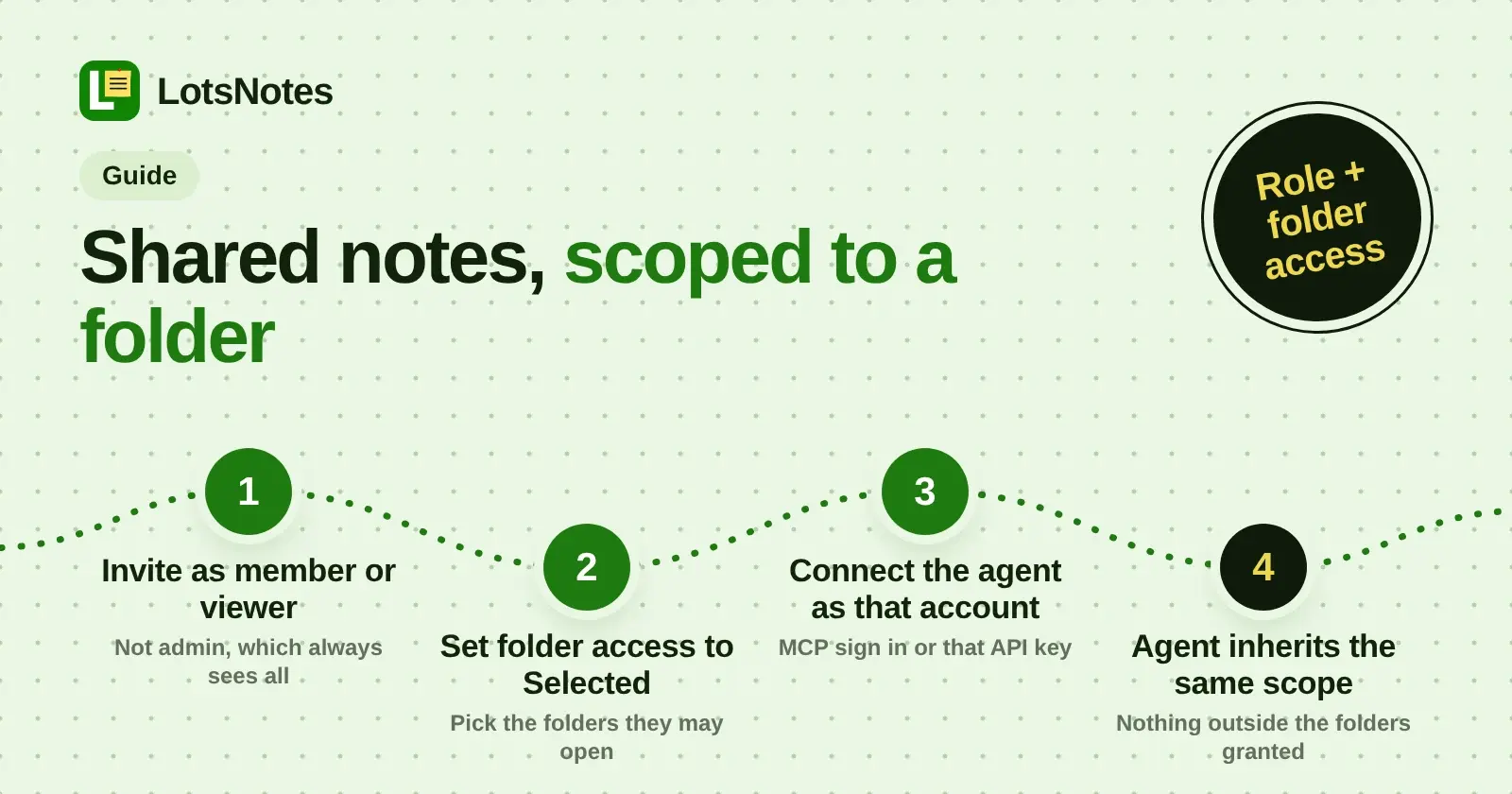
How to give a teammate or AI agent read access to only some LotsNotes folders, how agent access inherits that scope, and what stays visible anyway.

How Codex finds AGENTS.md: global file, folder walk, one file per folder, 32 KiB cap. Share it with Claude Code via @AGENTS.md. Checked 17 Nov 2026.

All 34 LotsNotes MCP tools grouped by job, the 32 REST endpoints that mirror them, and when to use MCP or an API key. Checked 14 Nov 2026.

Create a checklist note, let your AI agent read it and tick items off over MCP, and see the same list in the dashboard. Real steps and fields.

Write your brand voice once as a LotsNotes note, then point ChatGPT, Claude and Codex at it. A note template, one line per assistant and a test prompt.

Is LotsNotes safe? Private notes never reach agents, every save keeps a restorable version, and Connected apps cuts off any agent in one click.

Set ChatGPT to project-only memory, turn off Claude's account memory, give Codex one AGENTS.md per repo, then keep one shared folder per client.

LotsNotes is free for one person: 1 workspace, 3 folders, unlimited notes, MCP and REST. Pro is $99 once, or included with Lots Pro and Business plans.
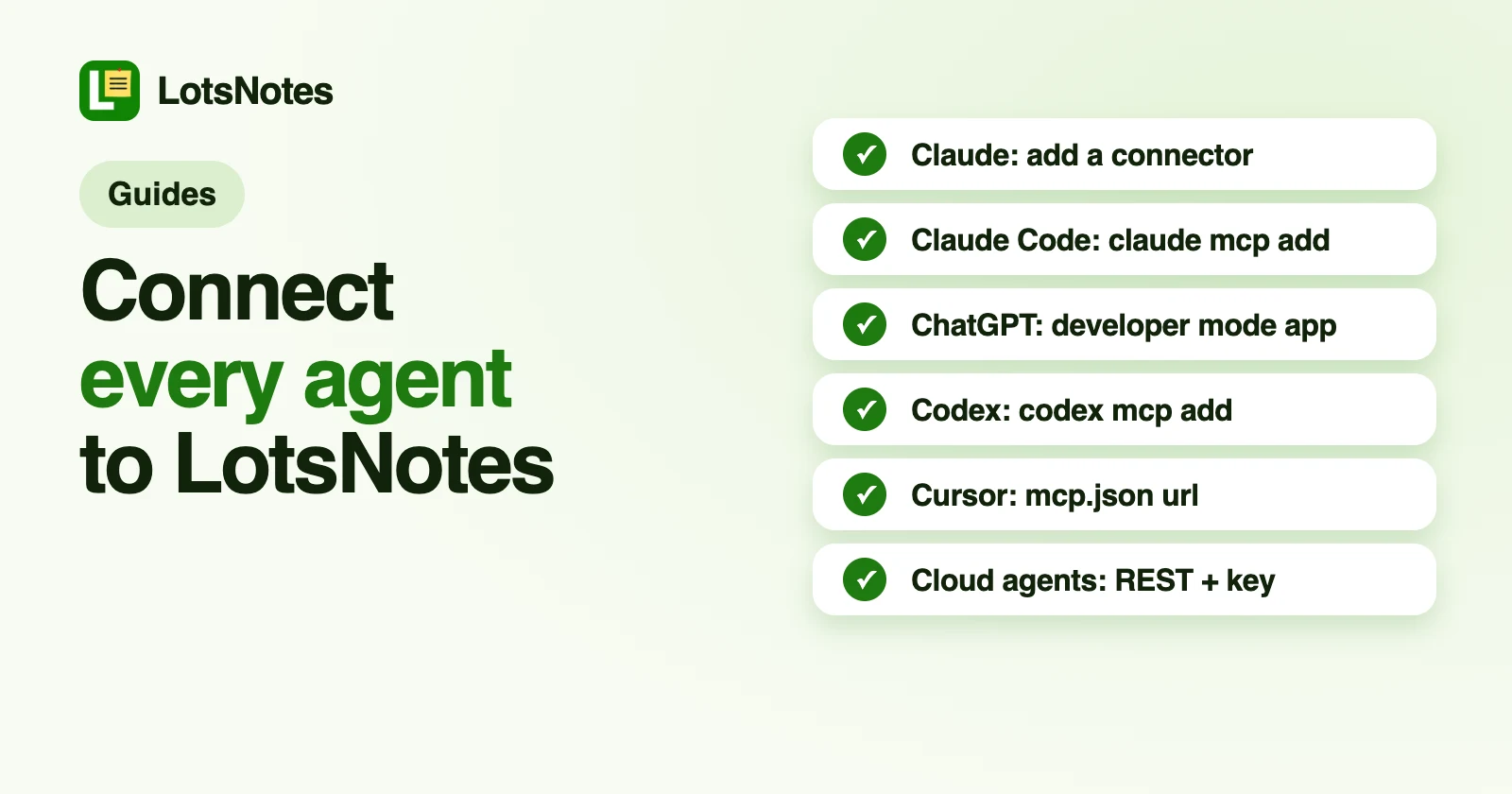
Connect Claude, ChatGPT, Codex and Cursor to LotsNotes with one MCP URL and OAuth sign-in, plus REST for cloud agents. Exact steps for each client.