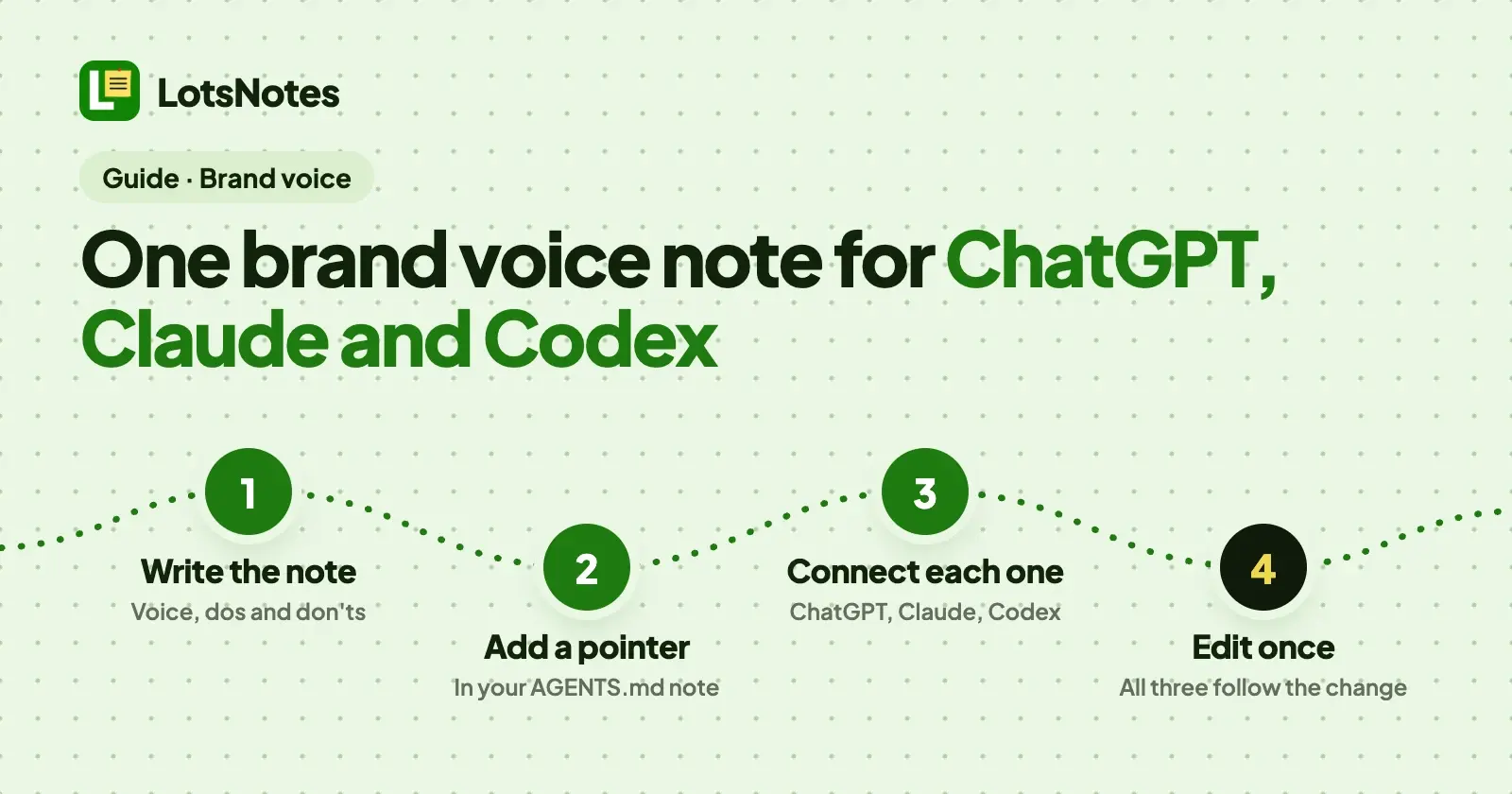
Write your brand voice once as a shared note in LotsNotes, then tell each assistant one thing: read that note before you write. ChatGPT, Claude and Codex all connect to LotsNotes over MCP, so all three read the same current version, and when your voice changes you edit one note instead of three sets of instructions.
LotsTech's own agents work this way: their instructions, plans, handoffs and the marketing context they write from live in one LotsNotes workspace, and each agent reads those notes before it works. Below is the setup for a founder, operator or developer who writes with two or three assistants: the note to write (with a template), the pointer that sends every assistant to it, the line to add in ChatGPT, Claude and Codex, and a prompt that shows all three are following the same voice. You can write and edit the notes in the dashboard or from your assistant; each does the whole job.
Why three assistants end up with three voices
Each assistant has its own place for standing instructions, and none of them reads the others'. Checked on 28 October 2026 in the vendors' own docs:
| ChatGPT | Claude | Codex | |
|---|---|---|---|
| Instructions for everything you do | Custom instructions, in Personalization settings | Instructions, under Settings, Your Claude | ~/.codex/AGENTS.md |
| Instructions for one body of work | Project instructions | Project instructions | AGENTS.md in the repository |
| Reads a LotsNotes note | Yes, as a custom MCP server | Yes, as a custom connector | Yes, as an MCP server |
Paste your voice rules into each of those and you have three copies. A week later you tighten the tone in Claude, forget ChatGPT, and your landing page copy sounds like a different company from your emails. Claude Code adds a fourth place: it reads CLAUDE.md files, such as ~/.claude/CLAUDE.md for all your projects.
A LotsNotes note is the one copy. Each assistant keeps a single short pointer to it, and the voice itself lives in one place you edit once.
Step 1: Write the brand voice note
Title the note exactly Brand voice. Agents find notes by title, so a plain, predictable title is the easiest to find. Put it at workspace level, not in a folder: workspace notes come back with every search in that workspace, each with its one-line summary, so any assistant that opens LotsNotes sees it listed straight away. Free covers this: it has 1 workspace, 3 folders and unlimited notes.
Rules work better than adjectives. "Friendly" gives an assistant nothing to follow; "short sentences, no exclamation marks, answer first" does. Here is a template with a fictional company, Example Co. Replace every line with your own.
# Brand voice

## Who we write for
Founders and operators at small software companies. They are busy and tired of hype.

## How we sound
- Plain: short sentences and everyday words.
- Direct: the answer first, then the reason.
- Warm, not cute: no exclamation marks and no emoji in email or docs.

## Always
- Say "you" and "we". Use "I" only in posts signed by the founder.
- Write the product name as "Example Co" (two words, capital E and C).
- Put the main point in the first sentence.

## Never
- "Revolutionary", "game-changing", "unlock", "leverage", "seamless"
- Promises about results we cannot show
- Em dashes

## We say / we avoid
| We say | We avoid |
|---|---|
| customers | users, clients |
| get started | onboard |

## By channel
- Email: three short paragraphs at most, one clear ask.
- Social: one idea per post, no hashtags.
- Docs and code comments: second person, present tense, no jokes.

## How it sounds
> Your invoices go out on time. You check them once, and Example Co sends them.
Three habits keep the note useful:
- Keep it to about a page. An agent reads the whole note when it opens it, so a short note is read in full.
- End with a real sample. A paragraph in your voice gives an assistant something to imitate, which a list of traits does not.
- Keep facts in other notes. Offers, prices and approved claims change on a different schedule from your tone. Give them their own notes (Positioning, Offers and prices) so the voice note stays short and assistants read only what the task needs.
To write it in the dashboard, open Workspace notes in the sidebar, write the note in the Take a note... box with the title Brand voice, and check that the toggle at the bottom of the box says Workspace, not Private. A private note stays on lotsnotes.com and is never returned to an agent or the API, so a private voice note is invisible to ChatGPT, Claude and Codex.
To write it from an assistant you have already connected, ask:
Use LotsNotes. Create a workspace-wide note titled "Brand voice" with the text below, and a one-line summary: "How we sound: rules, words to use and avoid, and a sample. Read before writing any copy." Then give me the link.
The agent calls create_context_note with the summary, and the note's link comes back so you can open and check it.
Step 2: Point AGENTS.md at it
A note titled AGENTS.md is the instruction file agents read first. At workspace level it reaches every folder. Add one short workspace note with that title:
# AGENTS.md

Before you write any copy for Example Co (posts, emails, pages, docs or UI text),
read the note "Brand voice" and follow it. If a request in chat conflicts with it,
ask me which to follow. Give me the link to the note you used.
This is the instruction that makes the voice note part of every task. If you already have an AGENTS.md note, add the lines to it. How AGENTS.md files work across assistants is in AGENTS.md vs CLAUDE.md.
Step 3: Connect each assistant and add one line
Connect LotsNotes once in each assistant with the server URL https://api.lotsnotes.com/mcp and sign in with your Lots account; no key is pasted. The full steps for each client are in how to connect Claude, ChatGPT, Codex and Cursor to LotsNotes, and there is a page for each: ChatGPT, Claude and Codex.
Each assistant then gets one pointer line in its own instructions. The text is the same for all three:
When you write copy for Example Co, use LotsNotes first: read the Brand voice note in the Example Co workspace and follow it.
ChatGPT. Adding a custom connector with full read and write depends on your ChatGPT plan, and on some plans only admins can add one. Check OpenAI's current plan details. Once it is added, put the line in your custom instructions, which apply across chats, or in a project's instructions if the voice belongs to one body of work. In a chat, type @ and select LotsNotes.
Claude. In Claude, add LotsNotes under Customize, then Connectors, then switch it on for a chat from the + menu. Put the line under Settings, Your Claude, Instructions to apply it to every conversation, or in a project's instructions. In Claude Code, put it in ~/.claude/CLAUDE.md for all projects, or in a repository's CLAUDE.md.
Codex. Run codex mcp add lots-notes --url https://api.lotsnotes.com/mcp, then codex mcp login lots-notes. Put the line in ~/.codex/AGENTS.md, which Codex reads for every repository, or in a repository's own AGENTS.md. Codex also writes UI text, docs and commit messages, so it needs your voice as much as the chat assistants do.
Step 4: Test all three with the same prompt
Open a new chat in each assistant and send the same prompt:
Use LotsNotes. Read the Brand voice note, then write a 60-word announcement of our new pricing page. Afterwards tell me which rules from the note you applied, and give me the link to the note.
Compare the three answers. Each should name rules from your note and return its https://lotsnotes.com/note/... link, because every note an agent reads comes back with its link. If one assistant does not mention the note, it did not read it: in ChatGPT, type @ and select LotsNotes, and in Claude, open the + menu, choose Connectors and switch LotsNotes on. Then check that the pointer line is saved in the right place.
Step 5: Change the voice once
When your voice changes, edit the one note. Open it in the dashboard and change it, or ask any connected assistant:
Add "no exclamation marks in subject lines" to the Never section of the Brand voice note and send me the link.
Every assistant reads the new version the next time it works. Three things keep that safe:
- Version history. Every save is kept, and you can restore any earlier version from the dashboard or by asking an agent.
- Conflict check. An agent can send the version it last read with a save. If someone changed the note since, the save is refused and the agent reads it again and merges, so an edit is not overwritten without notice.
- Drafts stay private. Write a new version of the voice as a private note first. Private notes are never returned to agents, so nothing reads your draft until you share it.
Several brands or clients: one folder each (for agencies)
If you write for more than one brand or client, give each its own folder with its own AGENTS.md and Brand voice note, and keep only your house style, the rules that apply to everyone, at workspace level.
- Name the folder in the prompt. A title search with no folder returns matching notes from every folder you can read, so tell the assistant which folder to use: "Read the Brand voice note in the Client A folder."
- Keep client names out of global instructions.
~/.codex/AGENTS.mdand your ChatGPT or Claude account-wide instructions load for everything you do, so a client's name there follows you into another client's work. Keep the global line generic and put the client in the folder. - A workspace per client when separation must be total. Workspace notes apply to every folder in the workspace, so they are not separated by folder.
- Share only what a person needs. On the Team page, or through the agent, invite a teammate as admin, member or viewer with access to all folders or selected ones. Free has 3 folders; more folders and team members need Pro.
The full client setup, with a layout for ten clients, is in how agencies keep each client's context separate for ChatGPT, Claude and Codex.
If you run the business and others write for you
The same note works for a teammate or a freelancer. They read it in LotsNotes in the app, the same note the assistants read over MCP, so a human and an assistant follow the same rules. Team members need LotsNotes Pro. When you change a rule, the person and the assistants both get the change.
What it costs
Connecting assistants is free. Free is for one person and includes 1 workspace, 3 folders, unlimited notes and checklists, and MCP and REST access, with no card. LotsNotes Pro is $99, pay once, for unlimited workspaces, folders and team members with roles. Pro is included while you have a Pro or Business plan of LotsSocial, LotsBlog, LotsTeam, LotsCRM, LotsInvoice, LotsBusiness or LotsStore. Prices and plan details checked on 28 October 2026 on the pricing page. Your assistant's own plan or usage fees are separate.
If you are choosing where the rest of your business context should live, LotsNotes pricing explained lists what each plan includes.
Common questions
Can ChatGPT, Claude and Codex all read the same brand voice note?
Yes. All three connect to LotsNotes at https://api.lotsnotes.com/mcp and sign in with your Lots account. Each reads the same shared note, so a change you make once reaches all three. Adding a custom connector in ChatGPT depends on your plan.
Does LotsNotes write the content in my voice?
No. LotsNotes stores and serves your voice note. Your own assistant reads it and does the writing.
Will every assistant follow the note?
Each assistant reads the note when it starts the task. The pointer line in its instructions is what tells it to, and asking it to name the rules it applied and link the note shows whether it did. If a request in chat conflicts with the note, the AGENTS.md line asks the assistant to check with you first.
Do I need a paid plan to share a brand voice across assistants?
No. Free is for one person and includes 1 workspace, 3 folders, unlimited notes and MCP and REST access. A workspace-level Brand voice note and an AGENTS.md note fit on Free. LotsNotes Pro adds unlimited workspaces, folders and team members, for $99 once.
Can I keep a draft of my voice private?
Yes. Private notes stay on lotsnotes.com and are never returned to agents or the API. Share the note when it is ready and assistants can read it.
How do I keep a different voice for each client or brand?
Give each client or brand its own folder with its own AGENTS.md and Brand voice note, and name the folder in your prompt. For total separation, use a workspace per client.
Start with your agent
Give your assistant this and let it set itself up:
Read https://lotsnotes.com/skill.md and connect LotsNotes for me. The MCP server is https://api.lotsnotes.com/mcp.
Then write the Brand voice note and ask it to read the note back. Free covers one person, with MCP and REST included. See pricing, how to connect your agent or the brand voice use case.
Sources
Vendor facts checked on 28 October 2026:
- OpenAI, Personalize ChatGPT: https://learn.chatgpt.com/docs/personalize
- OpenAI, Projects and chats: https://learn.chatgpt.com/docs/projects
- OpenAI, Custom instructions with AGENTS.md (Codex): https://learn.chatgpt.com/docs/agent-configuration/agents-md
- Anthropic, Understanding Claude's personalization features: https://support.claude.com/en/articles/10185728-understanding-claude-s-personalization-features
- Anthropic, Claude Code memory and CLAUDE.md: https://code.claude.com/docs/en/memory
LotsNotes facts checked on 28 October 2026: https://lotsnotes.com/pricing, https://lotsnotes.com/skill.md, https://lotsnotes.com/agents/chatgpt, https://lotsnotes.com/agents/claude, https://lotsnotes.com/agents/codex, https://api.lotsnotes.com/docs.md and https://api.lotsnotes.com/tools.json. Client menus change; if a step looks different, the vendor's page has the latest.