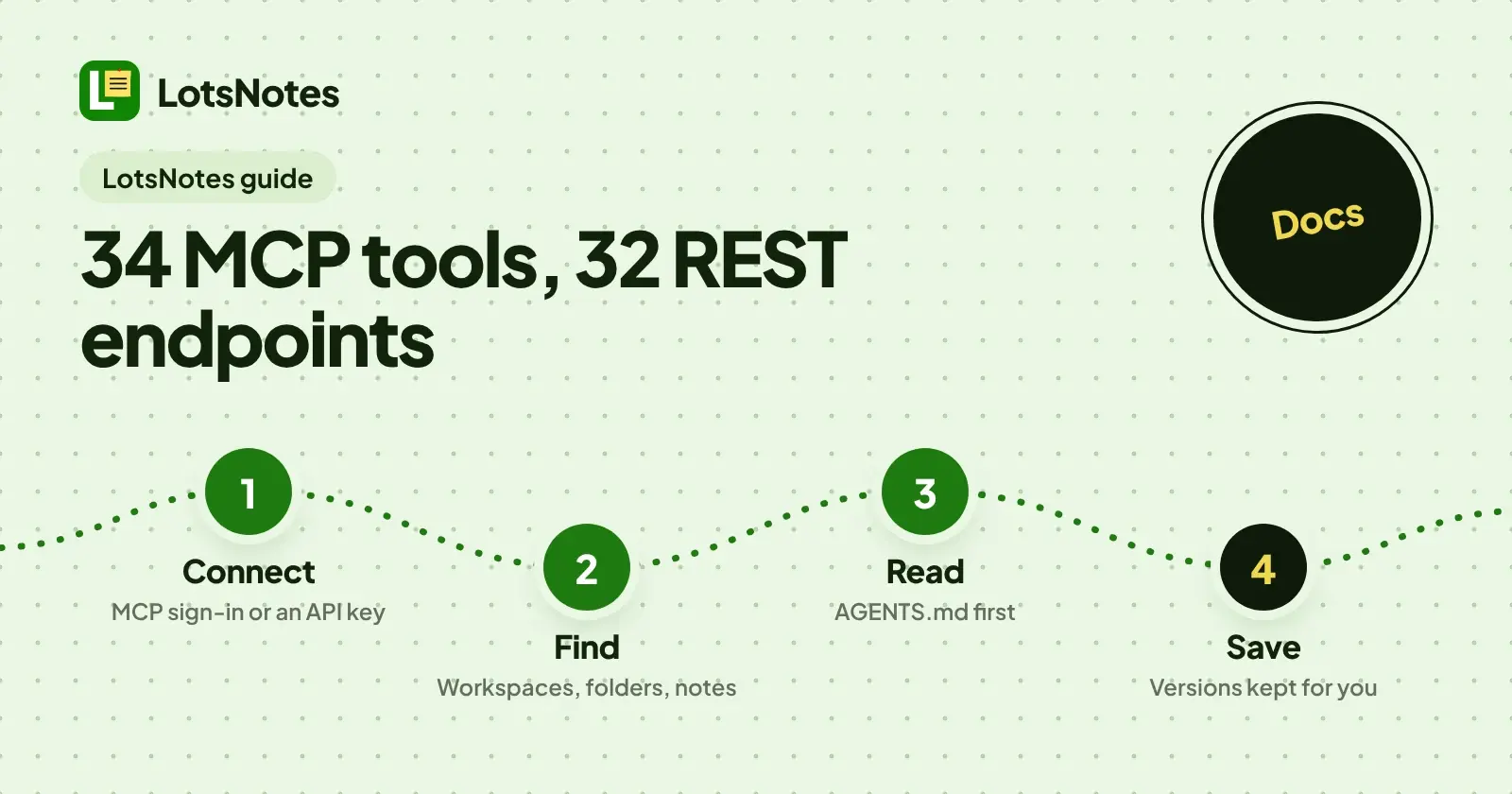
The LotsNotes MCP server has 34 tools, and the REST API has 32 endpoints that mirror 32 of them. Use MCP when your agent is a chat client or coding agent that can add a remote server and sign in. Use REST with an API key when the agent runs in a cloud environment or you are writing a script. I built LotsNotes, and both routes read and write the same notes, so you can mix them.
Everything below comes from the live tools.json, the REST docs, the MCP page, llms.txt, the agent skill and the pricing page, checked on 14 November 2026.
MCP or REST: which one do you use?
| MCP server | REST API | |
|---|---|---|
| Address | https://api.lotsnotes.com/mcp | https://api.lotsnotes.com/api/v1/lotsnotes |
| Sign-in | OAuth with your Lots account, no key pasted into chat | API key in the Authorization: Bearer or X-API-Key header |
| Fits | Claude, ChatGPT, Codex, Cursor and other chat or coding clients | Cloud agents, scripts and your own code |
| Size | 34 tools | 32 endpoints |
| Rate limit | Set by your client | 100 requests per minute per API key |
| Cost | Included on Free and Pro | Included on Free and Pro |
The MCP page puts it plainly: agents with MCP add the URL as a connector and sign in, and cloud agents and your own code get the API docs plus a key from the API dashboard. A few agents in the setup guides, such as Hermes Agent, DeepSeek, nanoclaw and Paperclip, connect to the MCP server with an API key instead of a sign-in, and OpenAI dots, Grok Bot and Cue connect through REST. For the click-by-click setup per client, see how to connect Claude, ChatGPT, Codex and Cursor to LotsNotes.
The 34 MCP tools, grouped
tools.json tags every tool as read, write, send or delete: 10 read, 18 write, 3 send and 3 delete. I grouped the 34 by what you use them for. The REST column shows the route under /api/v1/lotsnotes that does the same job.
Find and read (4 tools)
| MCP tool | What it does | REST route |
|---|---|---|
list_workspaces | Lists the workspaces you can access, or your archived ones | GET /workspaces |
list_folders | Lists folders with their paths and parent folder | GET /folders |
find_context | Finds shared notes by title; workspace-wide notes always come back | GET /context |
read_note | Reads one note: Markdown, checklist items and its URL | GET /context/notes/:note_id |
Write and move notes (3 tools)
| MCP tool | What it does | REST route |
|---|---|---|
create_context_note | Creates a shared note with Markdown and/or checklist items | POST /context/notes |
save_context_note | Updates title, body or checklist and keeps one version | PUT /context/notes/:note_id |
move_context_note | Moves a note to another folder or workspace, keeping id and history | POST /context/notes/:note_id/move |
Archive, trash and restore notes (3 tools)
| MCP tool | What it does | REST route |
|---|---|---|
archive_context_note | Archives a note without deleting it | POST /context/notes/:note_id/archive |
trash_note | Soft-deletes a note so it can be restored | DELETE /context/notes/:note_id |
restore_context_note | Restores an archived or trashed note | POST /context/notes/:note_id/restore |
Version history (3 tools)
| MCP tool | What it does | REST route |
|---|---|---|
list_context_versions | Lists saved versions, newest first | GET /context/notes/:note_id/versions |
get_context_version | Reads one saved snapshot | GET /context/versions/:version_id |
restore_context_version | Restores a version and keeps the current state in history | POST /context/notes/:note_id/versions/:version_id/restore |
Folders (5 tools)
| MCP tool | What it does | REST route |
|---|---|---|
create_folder | Creates a folder, optionally inside another folder | POST /folders |
update_folder | Renames a folder or changes its description | PATCH /folders/:folder_id |
move_folder | Moves a folder inside another one, or to the top level | POST /folders/:folder_id/move |
delete_folder | Deletes a folder with no subfolders; its notes are preserved | DELETE /folders/:folder_id |
restore_folder | Restores a deleted folder and its notes | POST /folders/:folder_id/restore |
Workspaces (5 tools)
| MCP tool | What it does | REST route |
|---|---|---|
create_workspace | Creates a workspace for a business, team or area of work | POST /workspaces |
update_workspace | Renames a workspace; its id does not change | PATCH /workspaces/:workspace_id |
archive_workspace | Owner only; nothing is deleted and it can be restored for 30 days | POST /workspaces/:workspace_id/archive |
restore_workspace | Restores an archived workspace within 30 days | POST /workspaces/:workspace_id/restore |
leave_workspace | Leaves a workspace you do not own | POST /workspaces/:workspace_id/leave |
Team (4 tools)
| MCP tool | What it does | REST route |
|---|---|---|
invite_workspace_member | Emails an invitation as admin, member or viewer; the link works 7 days | POST /workspaces/:workspace_id/invitations |
list_workspace_members | Lists members with role and folder access | GET /workspaces/:workspace_id/members |
update_workspace_member | Changes a role or folder access | PATCH /workspaces/:workspace_id/members/:member_id |
remove_workspace_member | Removes a member | DELETE /workspaces/:workspace_id/members/:member_id |
Plan and checkout (2 tools)
| MCP tool | What it does | REST route |
|---|---|---|
get_plan | Shows your plan, where Pro comes from, the Free limits and current use | GET /plan |
create_checkout | Starts a LotsNotes Pro checkout; you pay in your browser | POST /checkout |
Support (5 tools)
| MCP tool | What it does | REST route |
|---|---|---|
grant_support_access | Lets LotsTech support into one workspace for 24h, 7d or 30d, after you confirm | POST /workspaces/:workspace_id/support-access |
list_support_access | Shows whether support has access and until when | GET /workspaces/:workspace_id/support-access |
revoke_support_access | Ends support access now | DELETE /workspaces/:workspace_id/support-access |
list_support_requests | Lists the requests you sent to the team behind the product | MCP only |
submit_support_request | Sends a bug report, feature request or question to that team | MCP only |
That is the 34: 4 + 3 + 3 + 3 + 5 + 5 + 4 + 2 + 5. The two support request tools are the only ones without a REST endpoint in the docs, which is why REST has 32.
How an agent works through the tools
The agent skill gives the order I want every agent to follow, and it is the same on both routes:
- List workspaces, then pick the one that matches the request.
- List folders when the work belongs to a product, client or project.
- Run
find_contextwith the workspace id, and the folder id for folder work. Workspace-wide notes always come back, so a workspace note titled AGENTS.md reaches every agent. - Read AGENTS.md first, then read only the notes the task needs.
- Save changes with
save_context_note, passingexpected_versionwhen you read the note earlier in a long task. If someone edited it since, you get a conflict instead of an overwrite, and you read again and merge.
Two rules apply on both routes. The agent acts as you, with your role: owners and admins manage workspaces and folders, members edit notes, viewers read. And private notes never come back through MCP or the API, so an agent cannot read one.
Using the REST API instead
Pick REST when there is no chat client in the loop, for example an agent in a cloud environment, a scheduled script or a build step. The agent skill says the same: cloud agents and code without MCP use the REST API with a key you create at lotstech.com/api. Keep the key in your secret store, never in a chat.
- Create a key. Open the API page, choose LotsNotes, name the key and create it. It is shown once. You can also create one at the API dashboard.
- Send it in a header. Either
Authorization: Bearer YOUR_API_KEYorX-API-Key: YOUR_API_KEY. - Find your workspace.
GET https://api.lotsnotes.com/api/v1/lotsnotes/workspaces. - Find notes.
GET /contextwithworkspace_id(required), plusfolder_idorqueryif you want them. - Read and write.
GET /context/notes/:note_idto read,POST /context/notesto create,PUT /context/notes/:note_idto save with an optionalexpected_version.
The docs show the request shape like this:
curl -X PUT \
  -H "X-API-Key: YOUR_API_KEY" \
  -H "Content-Type: application/json" \
  -d '{"note_id":"00000000-0000-0000-0000-000000000000"}' \
  https://api.lotsnotes.com/api/v1/lotsnotes/context/notes/:note_id
Responses use one format: success, then data or error, plus meta. The documented error codes are AUTHENTICATION_REQUIRED (401), RATE_LIMIT_EXCEEDED (429), ENDPOINT_NOT_FOUND (404), VALIDATION_ERROR (400) and INTERNAL_ERROR (500). The default limit is 100 requests per minute per API key, and every response carries X-RateLimit-Limit, X-RateLimit-Remaining and X-RateLimit-Reset headers. The docs list lower limits for two support-access routes (20 per minute to grant and revoke) and 120 per minute for checking support access.
A script that reads a handful of notes at the start of a job stays far under 100 requests a minute. If you loop over many notes, read the remaining-requests header and back off on a 429.
What the plans change
Both routes are on every plan. On the pricing page, Free is $0 for one person: 1 workspace, 3 folders, unlimited notes and checklists, and MCP and REST API access. LotsNotes Pro is $99 once, not a subscription, and adds unlimited workspaces, folders and team members with roles. Pro is included while you hold a Pro or Business plan of LotsSocial, LotsBlog, LotsTeam, LotsCRM, LotsInvoice, LotsBusiness or LotsStore. Inviting team members needs Pro, so invite_workspace_member and its REST route are the calls that depend on it. The full breakdown is in LotsNotes pricing explained.
If you are still choosing a notes tool with an API, the best note taking apps with an API for AI agents lists the options, and LotsNotes vs Perfect Wiki compares one wiki tool head to head.
FAQ
How many tools does the LotsNotes MCP server have?
The MCP server has 34 tools: 4 to find and read, 3 to write and move notes, 3 to archive, trash and restore notes, 3 for version history, 5 for folders, 5 for workspaces, 4 for the team, 2 for plan and checkout, and 5 for support. The list is at api.lotsnotes.com/tools.json.
Do I need an API key to use the LotsNotes MCP server?
No for most clients. You add https://api.lotsnotes.com/mcp as a remote server and sign in with your Lots account over OAuth. The REST API uses an API key you create at lotstech.com/api, and a few agents, such as Hermes Agent, DeepSeek, nanoclaw and Paperclip, connect to the MCP server with a key instead of a sign-in.
What is the LotsNotes REST API rate limit?
The default is 100 requests per minute per API key, with X-RateLimit-Limit, X-RateLimit-Remaining and X-RateLimit-Reset headers on every response. The docs list 20 per minute for granting and revoking support access and 120 per minute for checking it.
Can the REST API do everything the MCP tools can?
Almost. The REST API has 32 endpoints covering 32 of the 34 tools. The two support request tools, list_support_requests and submit_support_request, have no REST endpoint in the docs.
Are the MCP server and REST API included on the Free plan?
Yes. Free is $0 for one person with 1 workspace, 3 folders, unlimited notes and checklists, and MCP and REST API access. LotsNotes Pro is $99 once and adds unlimited workspaces, folders and team members.
Can an agent read my private notes through MCP or REST?
No. Private notes are visible only to you on lotsnotes.com and are never returned through MCP or the API. A private note looks like it does not exist to an agent.