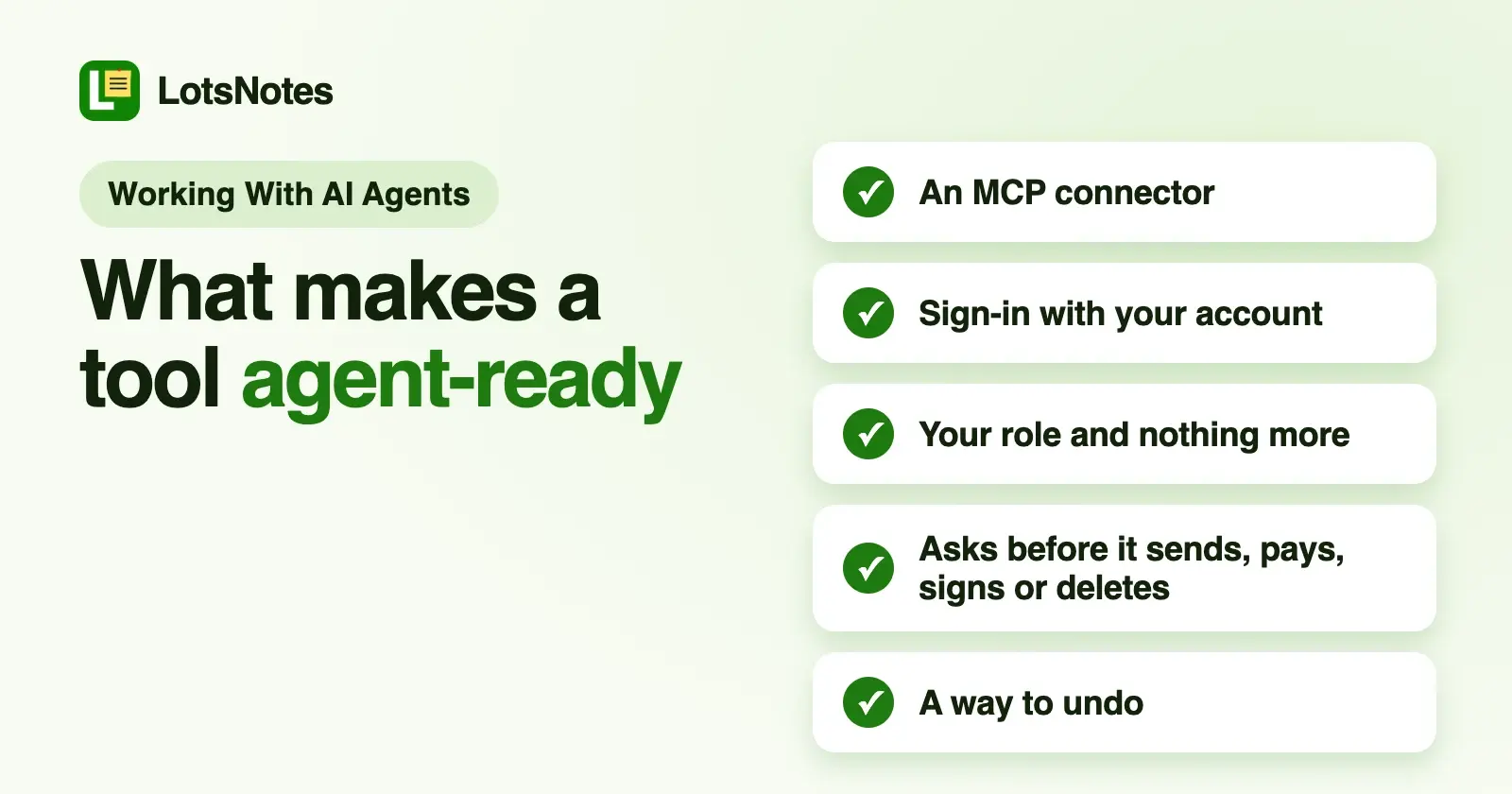
A business tool is agent-ready when an AI agent can reach it through a connector (an MCP server), can only do what your permissions allow, and has to ask you before anything it can't take back. For an owner, the test is simple: does the agent ask before it sends, pays, signs or deletes?
That question got practical on 21 October, when Anthropic opened a research preview of Claude Duet, an agent it says is built for small businesses and professionals. CNBC reports that it sends daily briefs, keeps an eye on your connected apps and takes on work such as building dashboards, scheduling meetings and drafting financial forecasts. VentureBeat reports that the preview is open by waitlist to US subscribers on Claude's Pro and Max plans, not Team or Enterprise.
Two details in VentureBeat's report are the whole story for owners. Duet can draw on more than 6,000 connectors and plugins in the Claude Marketplace. And before it sends a message, pays for something, signs an agreement or deletes anything, it shows you what it intends to do and asks for your approval. CNBC reports Anthropic saying the preview might still misread a thread or get urgency wrong, which is exactly why the approval step matters.
An agent like that is only as useful as the tools it can reach, and only as safe as what those tools let it do. So here is what to look for in any tool you'd let an agent touch.
The three things an agent-ready tool needs
1. A connector: a way in that isn't your password
An agent works with a tool through a connector. Today that usually means an MCP server: a web address you add to Claude, ChatGPT, Codex or Cursor, and then you sign in with your own account in the browser. No password typed into a chat, no key pasted into a settings file.
A good tool publishes this on one page: the server address, how sign-in works, and step-by-step setup for the assistants people actually use. If the only "AI" a tool offers is its own chatbot, your agent can't work in it. For agents that run on their own computer, such as a scheduled job, a REST API with a key you can revoke does the same job.
2. Permissions: the agent is you, with your role, and no more
When the agent signs in as you, it should get exactly your access: a viewer reads, a member edits what they can open, an admin manages people. VentureBeat makes the point well: being able to read an invoice is a different permission from being able to pay it.
Look for three things: roles that apply to the agent the same way they apply to a person, a way to keep some things away from agents entirely, and a page where you can see connected agents and cut one off.
3. Approval before anything irreversible
Drafting is cheap to get wrong. Sending, paying, signing, publishing and deleting are not. An agent-ready tool draws that line itself. It lets the agent prepare the email, the post or the reply, then waits for your yes before it goes out.
The best tools add a second safety net: undo. Version history, archive instead of delete, and a trash you can restore from mean that even an approved mistake isn't permanent.
A checklist you can use on any tool
Open the tool's website and look for its MCP or "connect your AI" page. Then check:
- Is there a server address and a setup guide for the assistant you use? Not "coming soon", not only its own chatbot.
- Does it sign in with your account (OAuth) rather than asking you to paste a password or a long-lived key into a chat?
- Does the agent get your role and nothing more? Can you give a teammate's agent read-only access?
- Can you keep some things out? Private notes, certain folders or certain records that agents never see.
- Does it ask before it sends, publishes, pays, signs or deletes? Look for that wording on the page or in the docs.
- Can you undo? Version history, archive, a restorable trash.
- Do agent changes show up where your team works? The same records in the same dashboard, ideally marked as the agent's.
If a tool fails 1 or 2, an agent can't use it safely. If it fails 5, don't connect it to an agent that runs while you sleep.
How our own tools answer the checklist
I build the Lots tools for exactly this, so here is how four of them handle it, from each product's own MCP page, checked on 23 October 2026. Each connects to the assistant you already use, and the dashboard does the same work when you'd rather click.
| Tool | Connector | Permissions | Before anything goes out |
|---|---|---|---|
| LotsNotes | https://api.lotsnotes.com/mcp, OAuth; REST API with a key | Agents act as you and see only the folders you can access. Private notes are never returned to agents or the API | Every save keeps a version the agent can restore; notes are archived or trashed, and can be restored |
| LotsTeam | https://api.lots.team/mcp, OAuth | The agent signs in as you and can only do what your role allows. Viewers read; members work in the projects they can open | Support replies go out only when you say so |
| LotsSocial | https://api.lots.social/mcp, OAuth 2.1; REST API with a key | Works in your workspace and the accounts connected to it | The agent confirms with you before it publishes right away; drafts and scheduled posts wait |
| LotsCRM | https://api.lotscrm.com/mcp, OAuth; REST API | The agent works within your workspace role | LotsCRM records your sales work and never sends messages itself. Opted-out and do-not-contact records are blocked from drafting |
LotsNotes is the piece the other three lean on. An agent working across your tools needs to know your business: what you sell, your prices, your tone, your rules, including the rule "ask me before you send anything". Write that once in LotsNotes, and Claude, ChatGPT, Codex and Cursor read the same notes before they work. I covered what agents can and can't reach in Is LotsNotes safe?, and setup for each assistant in how to connect Claude, ChatGPT, Codex and Cursor to LotsNotes.
A good first note, for any agent:
# AGENTS.md
Before you send, publish, pay, sign or delete anything, show me exactly
what you will do and wait for my yes. Drafts are always fine.
LotsNotes is free for one person, with MCP and REST included. See pricing and connect your agent.
Common questions
What does agent-ready mean?
An agent-ready tool lets an AI agent work in it safely: there's a connector (usually an MCP server) the agent signs in to with your account, the agent gets your permissions and no more, and anything it can't take back, such as sending, paying, signing or deleting, waits for your approval.
What is an MCP server, in plain words?
A web address that lets an AI assistant work inside a tool. You add it to Claude, ChatGPT, Codex or Cursor once, sign in with your account, and the assistant can then read and change things in that tool within your permissions.
Does Claude Duet ask before it acts?
According to VentureBeat's report of 21 October 2026, yes: before it sends a message, pays, signs an agreement or deletes anything, Duet shows the intended action and asks for approval. It's a research preview for US Pro and Max subscribers through a waitlist.
How do I check whether a tool is safe to connect to an agent?
Open its MCP or "connect your AI" page and run the checklist: a server address and setup guide, sign-in with your account, your role and nothing more, a way to keep things out, approval before anything goes out, a way to undo, and changes your team can see.
Sources
- CNBC, "Anthropic announces preview of Claude Duet, a personal AI agent to take on Muse, Dots", 21 October 2026: https://www.cnbc.com/2026/10/21/anthropic-preview-of-claude-duet-personal-ai-agent-take-on-muse-dots.html
- VentureBeat, "Anthropic's answer to Muse is here: Claude Duet, a mobile and desktop AI agent that takes actions proactively", 21 October 2026: https://venturebeat.com/technology/anthropics-answer-to-muse-is-here-claude-duet-a-mobile-and-desktop-ai-agent-that-takes-actions-proactively
- LotsNotes MCP page: https://lotsnotes.com/mcp; tools: https://api.lotsnotes.com/tools.json
- LotsTeam MCP page: https://lots.team/mcp?utm_source=blog-lotsnotes&utm_medium=blog&utm_campaign=launch-2026-10-20
- LotsSocial MCP and API page: https://lots.social/mcp?utm_source=blog-lotsnotes&utm_medium=blog&utm_campaign=launch-2026-10-20
- LotsCRM MCP page: https://lotscrm.com/mcp?utm_source=blog-lotsnotes&utm_medium=blog&utm_campaign=launch-2026-10-20