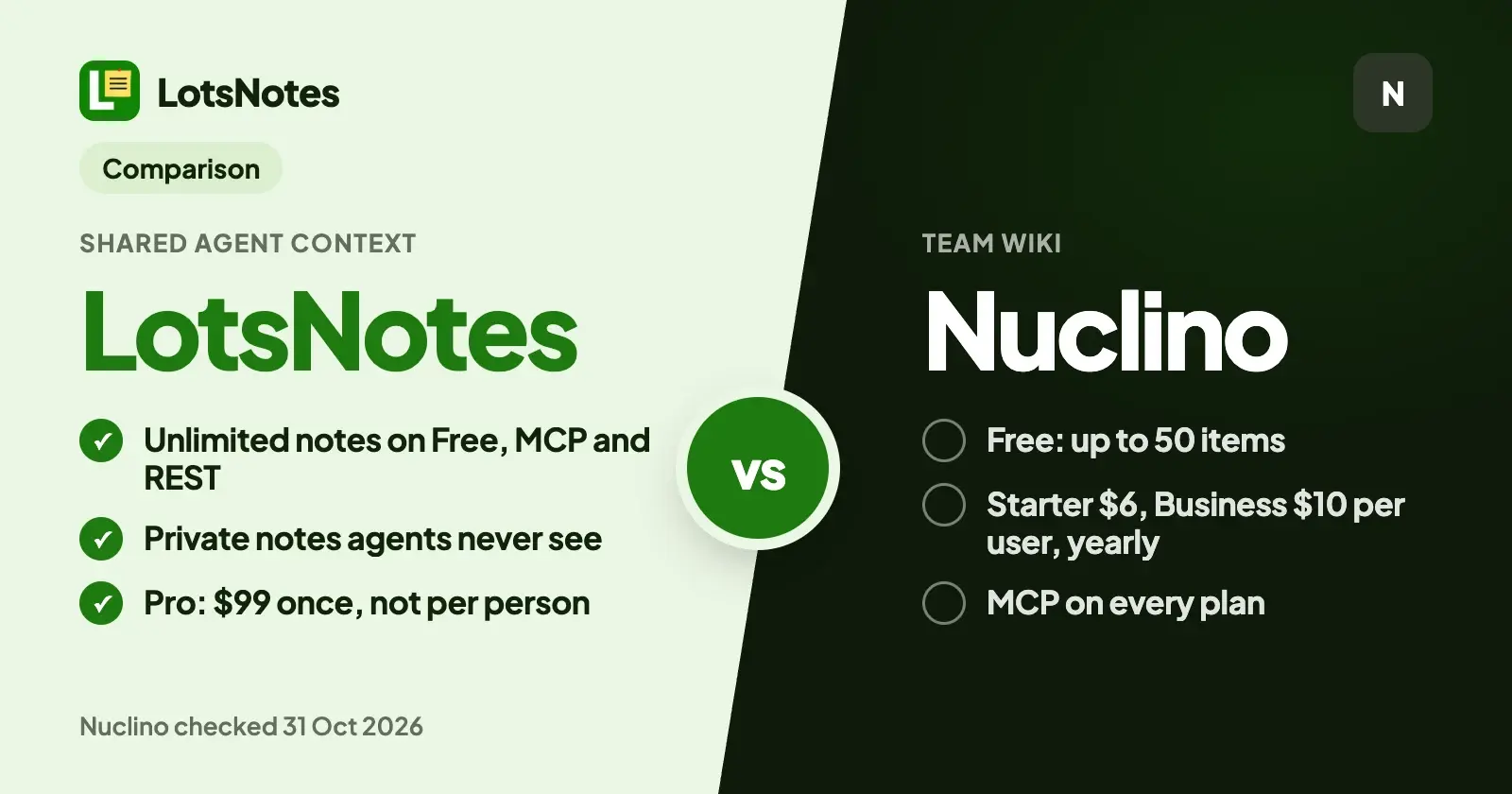
If you want one free place for the business facts that Claude, ChatGPT, Codex and Cursor all read, LotsNotes is the better fit: Free has unlimited notes and checklists with MCP and REST included, notes you mark private never reach an agent, and Pro is one $99 payment instead of a price per person. If your team wants a fast shared wiki with real-time editing, views and publishing, choose Nuclino.
I built LotsNotes for one job: holding the context every AI agent needs (what you sell, who it's for, how you sound, the rules and the decisions) so you write it once. Nuclino is a lightweight team wiki with its own MCP server. Everything about Nuclino below comes from its own pricing and MCP pages, checked on 31 October 2026, with links at the end.
LotsNotes vs Nuclino at a glance
| LotsNotes | Nuclino | |
|---|---|---|
| Built for | Business context every AI agent reads: positioning, voice, rules, decisions and agent instructions | A team wiki: real-time collaborative documents, canvases, list, board, table and graph views |
| Free plan | 1 workspace, 3 folders, unlimited notes and checklists, MCP and REST, for one person | Up to 50 items (counted across all workspaces), up to 3 canvases, 2 GB total storage |
| Paid plans | Pro is $99 once, not a subscription: unlimited workspaces and folders, and team members with roles | Starter $6 and Business $10 per user a month billed yearly ($8 and $12 billed monthly) |
| MCP | Remote MCP at https://api.lotsnotes.com/mcp, OAuth sign-in, on every plan | MCP at https://api.nuclino.com/mcp, OAuth 2.0 or an API key, on all plans |
| REST for agents without a browser | Yes, with a key from the API dashboard, on every plan | Nuclino lists an API; its MCP page says an API key can connect clients without OAuth |
| Notes agents can never see | Yes: private notes are never returned through MCP, the API or any sync | Agents see what the connecting account can access, including its private workspaces |
| Instructions agents read first | A note titled AGENTS.md, at workspace level or in one folder | Not stated on its pricing or MCP pages |
| Version history | Every save keeps a version; agents can list and restore them | 30 days on Starter, unlimited on Business |
| Team features | Roles: owner, admin, member, viewer | Real-time collaboration, groups, private workspaces, publishing, apps for web, desktop and mobile |
Nuclino prices and limits checked on 31 October 2026. LotsNotes prices from lotsnotes.com/pricing on the same day.
Where LotsNotes is the better choice
Unlimited free notes, with MCP and REST included
LotsNotes Free is a permanent plan for one person: 1 workspace, 3 folders, unlimited notes and checklists, and MCP and REST access. The pricing page carries one footnote: unlimited items are subject to fair use.
Nuclino Free is built for a different size of job. It allows up to 50 items, which its FAQ says are the documents your team edits in real time, counted across all workspaces, plus up to 3 canvases and 2 GB. Short context notes add up quickly once an agent has one for each product, customer, voice guide and rule set, so the 50 is the number to watch. Starter removes the item limit.
The trade is team size. LotsNotes Free is for you alone; the moment a teammate joins, you need Pro. I cover that in the pricing section below.
Private notes your agents never see
In LotsNotes every note is shared or private. A private note stays on lotsnotes.com and is never returned through MCP, the REST API or any sync. To an agent it looks like it doesn't exist. Shared notes follow your workspace roles.
Nuclino's MCP page says AI tools only see the content your account has access to, and that your permissions still apply. That is a sensible rule, but it means anything your account can open is open to the connected agent. In LotsNotes the line is drawn per note, so the salary figures, the investor update and the half-formed pricing idea can sit in the same tool as the facts you want your agents to use.
Built around how an agent picks up context
An agent working for you rarely needs everything. It needs your house rules plus the notes for the job in front of it.
- A note titled AGENTS.md is read first. At workspace level it reaches every folder, so a rule like "never promise delivery dates" applies everywhere. A folder can hold its own AGENTS.md for one client, product or agent.
- Workspace notes come back with every folder. When an agent finds context for a folder, it gets the workspace notes plus that folder's notes, each with a one-line summary, and reads only what the task needs.
- Every note carries its link. Each note an agent reads or saves comes back with its lotsnotes.com address, so it can hand you the page to review.
Our own AI agents keep their instructions, plans and handoffs in LotsNotes, and Claude, Codex and cloud agents read them from there. I wrote up the file conventions in AGENTS.md vs CLAUDE.md and what each agent remembers on its own in AI agent memory vs shared notes.
Pay once, not per person
Nuclino charges per user, and its FAQ says a user is anyone who joins your team, including guests and read-only members, and that upgrading moves the whole team. On yearly billing, a team of five on Starter pays $6 x 5 x 12 = $360 a year, and on Business $10 x 5 x 12 = $600 a year. Ten people on Starter is $720 a year (Nuclino's pricing page, checked on 31 October 2026).
LotsNotes Pro is one payment of $99 for unlimited workspaces and folders and team members with roles, with no subscription. If you already hold a Pro or Business plan of LotsSocial, LotsBlog, LotsTeam, LotsCRM, LotsInvoice, LotsBusiness or LotsStore, LotsNotes Pro is included while that plan is active. See pricing or LotsNotes pricing explained.
This is a difference in price model, not a like-for-like scope: Nuclino gives you a full wiki editor for its price.
Agent edits you can undo
Every save in LotsNotes keeps a version, and your agent can list versions and restore an earlier one itself. If someone changed a note while the agent was working, a save sent with expected_version returns a conflict instead of overwriting their edit. The Workspace page lists the apps you have connected, with when each was last used, and you can disconnect one from there. When you connect an agent you approve it on a LotsTech page that names the app asking.
Where Nuclino fits
Nuclino is a good wiki, and its strengths are real:
- Real-time editing for a team. Documents are edited together live, with list, board, table and graph views, plus canvases for whiteboards and diagrams.
- A free plan a team can start on. Its pricing page does not state a team-size limit on Free, only the 50-item, 3-canvas and 2 GB limits.
- Publishing. Starter adds publishing a workspace as a website, and Business adds a custom domain.
- Admin and security. Business adds SAML single sign-on, an audit log, team insights and advanced security controls.
- Sidekick, its built-in AI, on Business, to ask questions, draft and summarise inside Nuclino.
- Apps and integrations, including web, desktop and mobile apps.
- MCP on every plan. Its MCP page says assistants can search, read, create and update items, move them, update fields, comment and restore earlier versions, and that you can review and revoke connections from your Nuclino profile.
If your team already writes its documents in Nuclino, connect its MCP server and carry on.
Which one should you choose?
Choose LotsNotes if:
- You use more than one AI agent and want each of them reading the same short, current business facts.
- You want unlimited notes and checklists with MCP and REST on a free plan.
- You want some notes that no agent can ever see.
- You want AGENTS.md instructions that reach every folder.
- You want to pay once when your team joins instead of per person.
Choose Nuclino if:
- You want a shared wiki your team edits together in real time.
- You need views, canvases, publishing or SSO.
- Your team already works in Nuclino and its free limits are enough.
How to switch, or run both, from your AI agent
You don't have to pick one forever. A setup that works well: Nuclino stays where your team writes long documents, and LotsNotes holds the short, current context every agent reads first.
- Connect LotsNotes: add
https://api.lotsnotes.com/mcpto your agent and sign in. The setup page has the steps for each agent, and this guide walks through them. - Keep Nuclino's MCP server connected in the same agent.
- Give the agent this prompt:
Search Nuclino for our items on positioning, brand voice, pricing rules and current decisions, and read each one. Then in LotsNotes: list my workspaces and use the one for this business. Create a folder called Marketing. Create a workspace-wide note titled AGENTS.md that says, in under 300 words, who we are, who we sell to, how we write, what agents must never do, and that long documents live in Nuclino. Then create one shared note per topic in the Marketing folder, rewritten as short, current facts. Give me the lotsnotes.com link for every note you create.
In LotsNotes that runs on lotsnotes_list_workspaces, lotsnotes_create_folder and lotsnotes_create_context_note. When a decision changes later, ask any agent to update the note: it reads it with lotsnotes_read_note and saves it with lotsnotes_save_context_note, and the earlier version stays in history.
Anything personal or sensitive you move over, mark private on lotsnotes.com, and no agent will see it.
Common questions
Is LotsNotes a Nuclino alternative?
For giving AI agents your business context, yes. Both have a remote MCP server with OAuth that Claude, ChatGPT and Cursor can connect to, and both include MCP on the free plan. LotsNotes adds private notes agents never see, AGENTS.md notes that reach every folder, a REST API for agents without a browser and a one-time $99 Pro. It doesn't replace Nuclino's real-time editor, views, canvases or publishing.
Is Nuclino free?
Nuclino has a Free plan with up to 50 items, up to 3 canvases and 2 GB of total storage. Starter has a 14-day free trial with no credit card, and after it you can stay on Free (Nuclino's pricing page, checked on 31 October 2026).
How much does Nuclino cost?
Starter is $6 per user a month billed yearly or $8 billed monthly. Business is $10 per user a month billed yearly or $12 billed monthly. Its FAQ says a user is anyone on your team, including guests and read-only members, and teams of more than 100 users should contact Nuclino (checked on 31 October 2026).
Does Nuclino have an MCP server?
Yes. It is at https://api.nuclino.com/mcp and Nuclino says it is available on all plans, including Free. Supported clients sign in with OAuth 2.0, and a Nuclino API key works for clients without OAuth. Assistants only reach the content your Nuclino account can open (checked on 31 October 2026).
Is LotsNotes really unlimited and free?
Free gives one person unlimited notes and checklists, plus 1 workspace and 3 folders, with MCP and REST included and no card. The pricing page notes that unlimited items are subject to fair use. For a team, Pro is $99 once for unlimited workspaces and folders and team members with roles.
Can I use LotsNotes and Nuclino together?
Yes. Connect both MCP servers to the same agent. Keep long documents in Nuclino, and keep the short context every agent reads first in LotsNotes, with an AGENTS.md note that tells agents when to look in Nuclino. For more options, read the best team wiki software for teams using AI agents and free Notion alternatives.
Start with your agent
Give your agent this and let it set itself up:
Read https://lotsnotes.com/skill.md and connect LotsNotes for me. The MCP server is https://api.lotsnotes.com/mcp.
Free covers one person, with MCP and REST included. See pricing, how to connect your agent or all comparisons.
Sources
Nuclino facts checked on 31 October 2026 on Nuclino's own pages:
- Pricing, plans, limits and FAQ: https://www.nuclino.com/pricing
- MCP: https://www.nuclino.com/mcp
LotsNotes: https://lotsnotes.com/pricing, https://lotsnotes.com/mcp, https://lotsnotes.com/skill.md, https://api.lotsnotes.com/docs.md, https://api.lotsnotes.com/tools.json, checked on 31 October 2026.