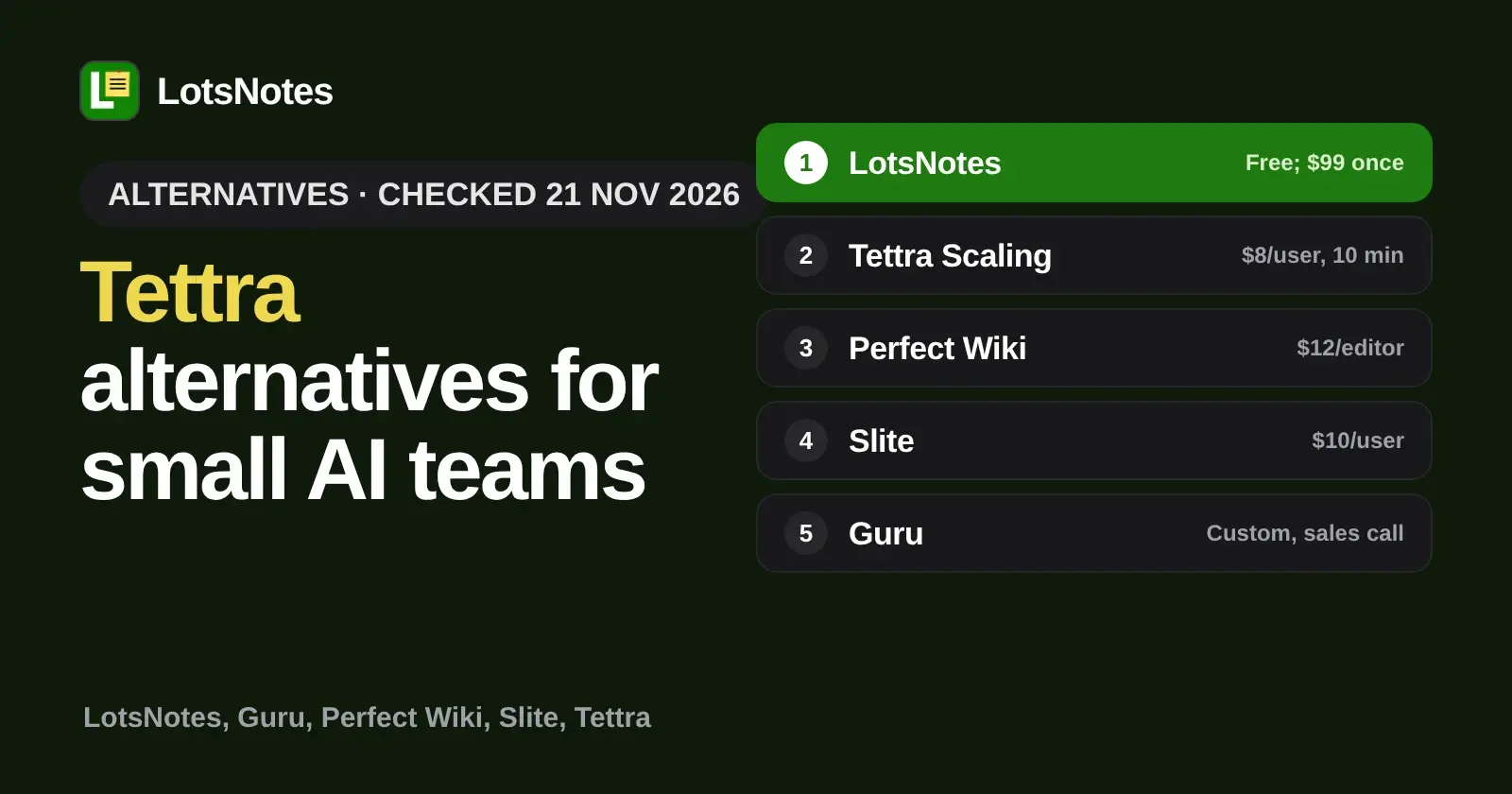
If your team is small and your AI agents need to read your business facts directly, LotsNotes is the Tettra alternative to look at: free for one person with no card, $99 paid once for the whole team, and MCP plus REST on every plan. If what you want from Tettra is its AI bot answering questions inside Slack, Guru, Perfect Wiki and Slite are the closer swaps, and Tettra itself has quietly added its own MCP connection too. I built LotsNotes, so I lead with where it fits and give every other tool's facts straight from its own pages, checked on 21 November 2026.
I run LotsTech's own agents from LotsNotes: their instructions, plans and handoffs for every product live there. So I know what a notes tool like this is good at, and where a Slack-first support wiki like Tettra still does a job LotsNotes was never built for.
Tettra alternatives at a glance
Checked on 21 November 2026, USD, from each vendor's own pages.
| Tool | Built for | Price | Agent access | How an agent signs in |
|---|---|---|---|---|
| LotsNotes | Business notes every agent reads | Free for one person; Pro $99 once for unlimited team members | MCP (34 tools) and REST (32 endpoints) on every plan | OAuth for MCP; API key for REST |
| Guru | AI answers from a governed knowledge layer | No published self-serve price now; priced as a custom package, book a call | "100+ integrations and MCP delivery" listed, no self-serve plan to test it on | Not stated without a sales call |
| Perfect Wiki | SOPs and FAQs inside Microsoft Teams and Slack | Basic $12 per editor a month, billed annually; readers free and unlimited; 14-day trial, no card | MCP Server listed among its integrations | Not detailed on the pricing page |
| Slite | Verified team knowledge base | Basic $10, Pro $20 per user a month, billed yearly; no free plan | "MCP and API access" listed on Basic | OAuth |
| Tettra (for reference) | Slack-first internal Q&A with an AI bot | Scaling $8 per user a month, 10-user minimum, 20% off billed yearly; 30-day free trial, then a card is required | A real MCP connection: search, read and create draft pages, Scaling plan and up, but a team admin must turn it on first | A generated MCP key that acts as your own account, not OAuth |
What to check before you leave Tettra
Three questions decide most small-team moves away from a Slack Q&A tool:
- Is your team really under ten people? Tettra's Scaling plan has a 10-user minimum, so a team of three still pays for ten seats. If your real headcount is small, check what that minimum actually costs you a month.
- Do you want an agent reading your facts today, or an admin task first? Tettra's MCP connection has to be switched on for your team before anyone can use it, and each person then generates their own MCP key rather than signing in with OAuth.
- Is the job answering Slack questions, or giving every agent the same facts? Tettra's AI bot Kai answers questions where your team already works. A tool built around shared notes, like the ones below, is a different job: one set of facts that Claude, ChatGPT, Codex and Cursor all read before they do anything.
1. LotsNotes: one set of notes every agent reads, no admin step
LotsNotes is where you write what your business knows once: what you sell, who it is for, how you sound, your rules and your decisions. Notes sit in workspaces and folders that nest, and Claude, ChatGPT, Codex, Cursor and any other MCP agent read the same current version at https://api.lotsnotes.com/mcp, signing in with OAuth, no key to generate or distribute. Cloud agents and your own code use the REST API with a key instead. A note titled AGENTS.md is the instruction file agents read first, and a workspace's notes come back with every folder's notes, so one AGENTS.md reaches every agent at once.
- No admin switch to flip. MCP works the moment you sign in. There is nothing for an admin to turn on for the team first, and nobody has to copy a key into every agent.
- Agents can do more than read. They can find notes by title, read them, save and update shared notes, move notes and folders, create folders inside folders, and list or restore an earlier version. Nothing is stuck as a draft waiting on a human unless you want it that way: a member can still be limited to selected folders by role.
- Private stays private. A note marked private never leaves lotsnotes.com. It is never returned through MCP or the REST API, so you decide what any agent can see, note by note.
- Price. Free covers one person: one workspace, three folders, unlimited notes and checklists, MCP and REST, no card. Pro is $99 once, not a subscription, for unlimited workspaces, folders and team members with roles, so a team of ten pays what a team of two does. Pro is also included while you hold a Pro or Business plan of LotsSocial, LotsBlog, LotsTeam, LotsCRM, LotsInvoice, LotsBusiness or LotsStore, or LotsTech for Business or LotsTech for Founders (see the pricing page).
- What it is not. LotsNotes has no AI bot of its own answering questions in Slack, no content verification workflow and no stale-page report. It stores and serves your notes; your agent does the thinking, and a person still needs to watch Slack if that is where your team asks questions.
Choose LotsNotes if you are a founder, an operator or a developer who runs more than one agent and wants all of them working from the same facts, for one payment instead of a per-seat bill. Setup for every agent is on the connect page.
2. Guru: AI answers, now sold as a custom package
Guru's pricing page no longer lists a self-serve plan or a per-user price. It describes "the enterprise AI knowledge solution custom fit to you" with a package built around your scale and AI maturity, and every path on the page leads to "book a call" or "talk to sales." The feature list still names "100+ integrations and MCP delivery," so MCP access exists, but there is no plan name or price attached to it that you can check without a sales conversation. That is a real change from how AI knowledge tools in this space used to be priced, and it means a small team cannot try Guru or see what MCP costs without talking to someone first.
Choose Guru if you are prepared for a sales process and want an AI answer bot with verification workflows and permission-aware search across 100-plus tools. Skip it if you want to see a price or connect an agent the same day. More in LotsNotes vs Guru.
3. Perfect Wiki: SOPs and FAQs inside Teams and Slack
Perfect Wiki charges only for editors: Basic is $12 per editor a month billed annually, and every reader in the company is free and unlimited, with no minimum number of editors. A 14-day trial needs no card. Its integrations page lists an MCP Server alongside Microsoft Teams, SharePoint, Slack, ChatGPT and Claude, so agents can reach the same wiki your readers use. Enterprise pricing is custom, for teams of 100 or more editors, with volume discounts and a dedicated success manager.
This is the closer match for a Tettra-sized team that mostly has a few people writing SOPs and everyone else reading or asking the AI chatbot. Choose Perfect Wiki if your wiki lives mostly inside Microsoft Teams or Slack and only a couple of people ever edit it. More in LotsNotes vs Perfect Wiki.
4. Slite: a tidy knowledge base with MCP on the entry plan
Slite's Basic plan is $10 per user a month billed yearly and its pricing page lists "MCP and API access" right on that plan, alongside unlimited docs and its doc verification workflow. Pro is $20 and adds the Slite Agent, which searches across your connected tools and does fact-checking with suggested fixes, with 50 monthly credits pooled per seat. There is no free plan, only the plans above. Slite fits a team that wants a clean, verified handbook with agents reading the same pages from day one on the entry plan, rather than needing a higher tier for API or MCP access. More in LotsNotes vs Slite.
Where Tettra still fits
Tettra's own pricing page says over 20,000 organizations use it, mostly to cut down repetitive questions and speed up onboarding, and its FAQ lists a 99.99% uptime over the last year. Its Scaling plan ($8 per user a month, 10-user minimum, 20% off billed yearly) includes the AI bot Kai answering questions in Slack channels and DMs, AI page tagging, AI FAQ generation, training on your existing Google Docs, and API access; a 30-day free trial needs no card, though a card is required once it ends. Content exports to HTML at any time from the app's settings, so you are not locked in.
Tettra's MCP connection, once a team admin turns it on, lets an assistant like Claude or Codex search the wiki, read and summarize a page, browse categories, and create a new page, which always lands as a Draft for a person to review before it goes live. It respects your existing Tettra permissions, so an agent can only see what you can see. That is a real agent connection, just one that needs an admin step and a generated key rather than signing in with OAuth, and it only writes drafts, never a final page, folder or workspace change.
Choose Tettra if your team already lives in Slack, wants an AI bot answering repetitive questions there directly, and is fine with a 10-user minimum and an admin turning MCP on before agents can use it.
How to move the part your agents use
You do not have to move everything at once. Most agents only need a short, current set of facts, not years of Slack-answered tickets.
- Pick what an agent should read before any task: your pricing, your rules, your voice, and the decisions that change how work gets done.
- Export what you need. Tettra's settings export your content in HTML format at any time, for pages you want to keep as reference.
- Or let a connected agent copy the short list. With Tettra's MCP turned on and LotsNotes connected too, you can ask an agent to read a handful of pages and save short versions as notes. Example prompt (fictional names):
Read the pages "How we price" and "Support rules" in Tettra. In LotsNotes, find the workspace "Acme Studio" with
lotsnotes_find_context, create a folder "Company" withlotsnotes_create_folder, and save each page as a shared note withlotsnotes_create_context_note: the rules and decisions only, in short Markdown. Skip anything marked confidential and list what you skipped.
- Connect every agent to LotsNotes. In Claude Code,
claude mcp add --transport http lots-notes https://api.lotsnotes.com/mcp, then/mcpto sign in. Setup for other agents is on the connect page.
Which one should you pick?
- A founder or small team that wants every agent reading the same facts, at one price: LotsNotes, $99 once for the team, no admin step for agents.
- An AI bot answering questions where your team already chats, and you are fine with a sales call first: Guru.
- SOPs and FAQs read mostly inside Microsoft Teams or Slack, with only a couple of editors: Perfect Wiki.
- A verified handbook with MCP and API included on the entry plan: Slite.
- Staying with the Slack-native bot and willing to pay a 10-user minimum: Tettra Scaling.
For the wider field, see the best knowledge base and notes tools with MCP support, the best SOP software for small teams using AI agents and LotsNotes pricing explained.
FAQ
What is the best Tettra alternative for a small team that uses AI agents?
It depends on the job. LotsNotes fits a team that wants every agent reading one set of shared notes, for one $99 payment. Guru, Perfect Wiki and Slite are closer swaps if what you want is an AI bot or wiki your whole team reads and asks questions of. Checked on 21 November 2026.
Does Tettra have an MCP server for AI agents?
Yes. Tettra's help docs describe an MCP connection that lets an assistant such as Claude or Codex search your wiki, read pages, browse categories and create new pages as drafts. A team admin has to turn it on first, it needs a generated MCP key rather than an OAuth sign-in, and it is available on the Scaling plan and up. Checked on 21 November 2026.
Is there a free way to try a Tettra alternative?
LotsNotes Free covers one person with MCP and REST access and no card. Tettra itself offers a 30-day free trial with no card, but a card is required once the trial ends, and there is no ongoing free plan. Checked on 21 November 2026.
How much does Tettra cost for a small team?
Tettra's Scaling plan is $8 per user a month, with a 10-user minimum, so a team smaller than ten still pays for ten seats; billing yearly takes 20% off. Enterprise pricing is custom. Checked on 21 November 2026.
Do I pay per teammate for LotsNotes?
No. Pro is $99 once for unlimited team members with roles, and it is included while you hold a Pro or Business plan of seven other LotsTech products, or LotsTech for Business or LotsTech for Founders.
Can I move my Tettra pages to LotsNotes?
There is no direct importer. You can export your Tettra content to HTML from the app's settings at any time, and with both tools connected to an agent, you can ask it to read your Tettra pages and save short versions as LotsNotes notes.
Sources, all checked on 21 November 2026
- LotsNotes: https://lotsnotes.com/pricing, https://lotsnotes.com/mcp, https://api.lotsnotes.com/docs.md, https://api.lotsnotes.com/tools.json
- Tettra: https://tettra.com/pricing/, https://support.tettra.com/api-overview, https://support.tettra.com/api-overview/using-the-tettra-mcp-connect-tettra-to-your-ai-assistant
- Guru: https://www.getguru.com/pricing
- Perfect Wiki: https://perfectwikiforteams.com/pricing/
- Slite: https://slite.com/pricing