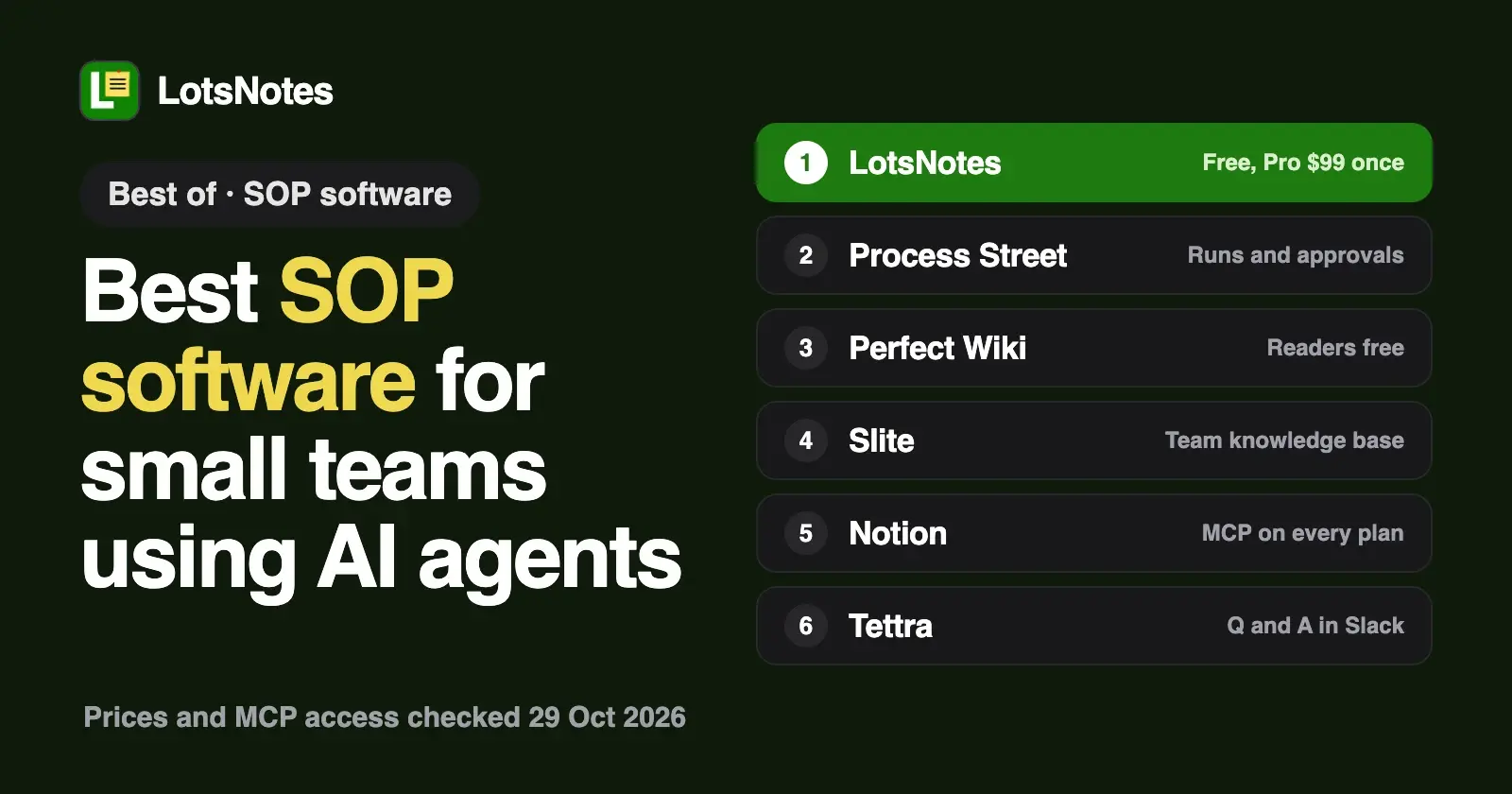
For a small team that wants its SOPs written once and followed by AI agents as well as people, eight tools are worth comparing: LotsNotes, Process Street, Perfect Wiki, Slite, Notion, Tettra, Scribe and Trainual. All eight list MCP access for agents. They differ in price, in which plan unlocks it, and in whether they run your procedures or only store them. Notion Free and LotsNotes Free cost nothing, and I checked every other price on each vendor's own pages on 29 October 2026.
I run LotsTech's agents from LotsNotes, so here is where it stands: LotsNotes holds your SOPs as plain notes and checklists that every agent reads. It does not assign tasks, set due dates or track who finished a run, and the list below says which tool does.
SOP software with AI agent access at a glance
Checked on 29 October 2026, USD, from each vendor's own pages.
| Tool | Built for | Price | Agent access (MCP) and plan | How an agent signs in |
|---|---|---|---|---|
| LotsNotes | SOPs and business context every agent reads | Free for one person; Pro $99 once for unlimited team members | MCP and REST on every plan, Free included | OAuth for MCP, no key; API key for REST |
| Process Street | Checklist workflows you run, assign and approve | No public price: "Contact sales" on all plans; Pro has a 14-day trial, no card | Help page says available on all plans | OAuth, or an API key as a bearer token |
| Perfect Wiki | SOPs, manuals and FAQs, built as a tab in Microsoft Teams | Basic $12 per editor a month, billed annually; readers free; 14-day trial, no card | "Included in every Perfect Wiki plan" | OAuth; read only or read and write chosen at sign-in |
| Slite | Team knowledge base | Basic $10, Pro $20 per user a month, billed yearly; no free plan; 14-day trial, no card | "MCP and API access" listed on Basic | OAuth |
| Notion | All-in-one workspace | Free; Plus $10, Business $20 per member a month | Every plan; MCP tokens for headless agents need Business | OAuth, or an MCP token |
| Tettra | Internal Q and A and docs, built around Slack | $8 per user a month, 10 users minimum; 30-day trial | Help centre has an MCP article; plan not stated | Not stated on the pages I read |
| Scribe | Step-by-step guides captured as you work | Basic free; Pro Team $13 to $17 per seat a month, 5 seats minimum | MCP and API listed under integrations; plan not stated | Not stated on the pages I read |
| Trainual | Role-based onboarding and SOPs for 25 to 1,000 employees | No public price; $1,000 one-time implementation fee; book a demo | "MCP server for custom AI agents" on its higher tiers | Not stated on the pages I read |
What to look for in SOP software when AI agents do some of the work
- Where the procedure lives. An agent can only follow an SOP it can read. A tool that exposes pages and checklists over MCP lets Claude, ChatGPT or Codex fetch the current version before it starts.
- Store or run. Some tools keep the written procedure. Others run it: one checklist per customer or hire, with assignees and approvals. Know which you need.
- What each extra person costs. Per-seat prices add up across a team. Check whether readers, guests or agents count as seats.
- What the plan gate is. Most vendors in this list include MCP on every plan. A few state no plan at all, so ask before you rely on it.
1. LotsNotes: SOPs every agent reads, at one price for the team
Write each procedure once as a note in a workspace and folder, for example "Refund a customer" or "Publish a post". Put the steps in a checklist if you want them ticked off. Claude, ChatGPT, Codex and Cursor read the same current note at https://api.lotsnotes.com/mcp, signing in with OAuth, and your team edits the same notes in the dashboard, so the dashboard does the whole job too. Cloud agents and scripts use the REST API with a key.
Here is how an agent follows an SOP. It finds the note by title with lotsnotes_find_context, reads it with lotsnotes_read_note (the checklist comes back as structured items), does the work, and ticks items off with lotsnotes_save_context_note. Every note it reads or saves comes with a link, so you can open the same note in the dashboard. A prompt that works:
Find the SOP "Onboard a new client" in LotsNotes. Create a new checklist note from it called "Onboarding: Example Co", follow the steps one at a time, tick each item when it is done, and stop at any step that needs my decision.
- Control. Roles are owner, admin, member and viewer. Notes can be private, and private notes are never returned to agents or the API. Every save keeps a version you can restore, and a save made from an out-of-date copy asks before it overwrites a newer edit. Connected apps shows which agents have access and lets you disconnect them.
- What it is not. It stores your SOPs and checklists and has no workflow engine: no assigned tasks, due dates, approvals or run reports, and no AI of its own. Your agent does the thinking.
- Price. Free covers one person: 1 workspace, 3 folders, unlimited notes and checklists, MCP and REST. LotsNotes Pro is $99 once, with no subscription, for unlimited workspaces, folders and team members with roles. Pro is also included with a Pro or Business plan of LotsSocial, LotsBlog, LotsTeam, LotsCRM, LotsInvoice, LotsBusiness and LotsStore (see the pricing page).
Our own AI agents keep their instructions, plans and handoffs in LotsNotes, and Claude, Codex and cloud agents read them from there. Choose LotsNotes if you are a founder, operator or developer whose agents do repeatable work and you want every one of them, and every teammate, reading the same written steps without paying per person. Setup is on the MCP page.
2. Process Street: checklists you run, assign and approve
Process Street is built to run procedures: a workflow is a template, each run is a checklist, and its plans list role assignments and approvals. Its MCP server, which its help page says is on all plans, lets an agent work with workflows, runs, tasks, users and data sets, including creating runs and assigning tasks. You sign in with OAuth, or send a Process Street API key as a bearer token. Process Street's pricing page shows no prices: Startup (5 users and 10 guests), Pro and Enterprise all say "Contact sales", and Pro starts with a 14-day trial with no card. Choose it if you need every run tracked, with assignees and sign-offs, and are happy to ask for a quote.
3. Perfect Wiki: SOPs and FAQs inside Microsoft Teams
Perfect Wiki says its MCP server is included in every plan. You sign in with OAuth, and on the consent screen you choose read only or read and write. Writes work only in knowledge bases where you can edit. It describes the server as connecting assistants to your SOPs, policies and FAQs, so employees get answers with links to the source pages. Basic is $12 per editor a month billed annually, readers are free and unlimited, and the 14-day trial needs no card. Choose it if only a few people edit and the rest of the company reads SOPs from inside Microsoft Teams.
4. Slite: a team knowledge base with agent tools
Slite's MCP server signs in with OAuth and lets an assistant search, read, create, update, move and archive notes. Its pricing page lists "MCP and API access" on Basic ($10 per user a month, billed yearly); Pro is $20 and adds the Slite Agent. There is no free plan, and the 14-day trial needs no card. Choose it if you want a clean wiki for the whole company and your agents on the same pages. For the side-by-side, see LotsNotes vs Slite.
5. Notion: the broad workspace
Notion MCP works on every plan, Free included, and most clients sign in with OAuth. A headless agent with no browser needs an MCP token, which requires Business ($20 per member a month) or Enterprise, and only workspace owners can create one. Plus is $10, and the pricing page says yearly billing saves up to 20%. Choose Notion if your team already keeps docs, databases and projects there. See LotsNotes vs Notion.
6. Tettra: internal Q and A that lives in Slack
Tettra lists AI answers, page tagging and FAQ generation, a Slack bot and verification on its Scaling plan, at $8 per user a month with a 10-user minimum and a 30-day trial. Its help centre has an article on connecting Tettra's MCP to an AI assistant, and its pricing page lists API access. Neither says which plan includes MCP. Choose it if your team asks questions in Slack all day and wants answers from verified pages.
7. Scribe: guides captured as you work
Scribe turns a task you do on screen into a step-by-step guide with screenshots. Basic is free in the browser; desktop capture needs Pro. Pro Team is listed at $13 to $17 per seat a month depending on the billing toggle, with 5 seats minimum. Scribe says you can connect through MCP or API to pass its guides to your AI agents, and its pricing page lists MCP and API under integrations without naming the plan. Choose it if the hard part is writing the steps down, not storing them.
8. Trainual: onboarding and training for bigger teams
Trainual offers role-based onboarding and a place for every process, policy and SOP, and says it is best suited to companies with 25 to 1,000 employees. It shows no prices: its pricing page says plans vary by team size and features, and lists a one-time $1,000 implementation fee. Its comparison table lists an "MCP server for custom AI agents" on its higher tiers (Premium and Enterprise). Choose it if you are onboarding many people and want a guided rollout.
If you work with clients
Agencies and consultants keep a different set of procedures for each client. In LotsNotes that is a folder per client with its own AGENTS.md, so an agent working on one client never reads another's steps. Free has 3 folders; Pro has unlimited. The same idea is in how to keep each client's context separate. If you also need per-client runs with assignees and approvals, Process Street is the closer fit.
If you run the business yourself
If you are a shop or service owner with a handful of staff, write the few procedures that matter, such as opening, closing, refunds and onboarding, as notes your team opens in the dashboard. Your AI assistant reads the same notes, so you stop re-typing them. Free is enough for one person; add Pro when staff join.
Which one should you pick?
- Agents and people reading the same written SOPs, one price for the team: LotsNotes. Ten users on Slite Basic is $100 a month billed yearly; LotsNotes Pro is $99 once.
- Runs with assignees and approvals: Process Street.
- Free to start: LotsNotes Free for one person, Notion Free, or Scribe Basic for capturing guides.
- SOPs read inside Microsoft Teams or Slack: Perfect Wiki (Teams) or Tettra (Slack).
- A full company wiki: Slite or Notion.
- Training new hires at 25 or more people: Trainual.
- Headless agents with no browser: check the sign-in column. Process Street takes an API key, Notion needs Business for tokens, and LotsNotes uses a REST API key.
For the wider field, see team wiki software for teams using AI agents and LotsNotes pricing explained.
FAQ
What is the best SOP software for a small business?
It depends on how you use SOPs. LotsNotes fits small teams whose AI agents and people read the same written steps for one $99 payment. Process Street fits teams that run each procedure as a tracked checklist with assignees and approvals. Perfect Wiki, Slite and Notion fit teams that want a full wiki.
Is there free SOP software that AI agents can use?
Yes. LotsNotes Free covers one person with unlimited notes and checklists, plus MCP and REST. Notion Free includes MCP. Scribe Basic is free for creating guides in the browser, but its pricing page does not say whether MCP is included. Checked on 29 October 2026.
Can an AI agent follow an SOP stored in LotsNotes?
Yes. It finds the note by title, reads the steps and checklist, and ticks items off as it goes. Copy the checklist into a new note for each run so your master SOP stays clean. LotsNotes does not assign tasks or send reminders.
Do I pay per person for LotsNotes?
No. LotsNotes Pro is $99 once for unlimited team members with roles. It is also included with a Pro or Business plan of seven LotsTech products, listed on the pricing page.
Which SOP tools show their prices?
LotsNotes, Perfect Wiki, Slite, Notion, Tettra and Scribe publish prices. Process Street and Trainual ask you to contact sales or book a demo, and Trainual lists a one-time $1,000 implementation fee. Checked on 29 October 2026.
Sources, all checked on 29 October 2026
- LotsNotes: https://lotsnotes.com/pricing, https://lotsnotes.com/skill.md, https://api.lotsnotes.com/tools.json, https://api.lotsnotes.com/docs.md, pricing-facts for Lots Notes
- Process Street: https://www.process.st/pricing/, https://www.process.st/help/docs/mcp-server/, https://www.process.st/mcp
- Perfect Wiki: https://perfectwikiforteams.com/pricing/, https://perfectwikiforteams.com/mcp/
- Slite: https://slite.com/pricing, https://slite.com/help/lmeen-YwXupV23/Slite-MCP
- Notion: https://www.notion.com/pricing, https://developers.notion.com/guides/mcp/get-started-with-mcp
- Tettra: https://tettra.com/pricing, https://support.tettra.com/api-overview
- Scribe: https://scribe.com/pricing, https://scribe.com/solutions/train-ai-agents
- Trainual: https://trainual.com/pricing